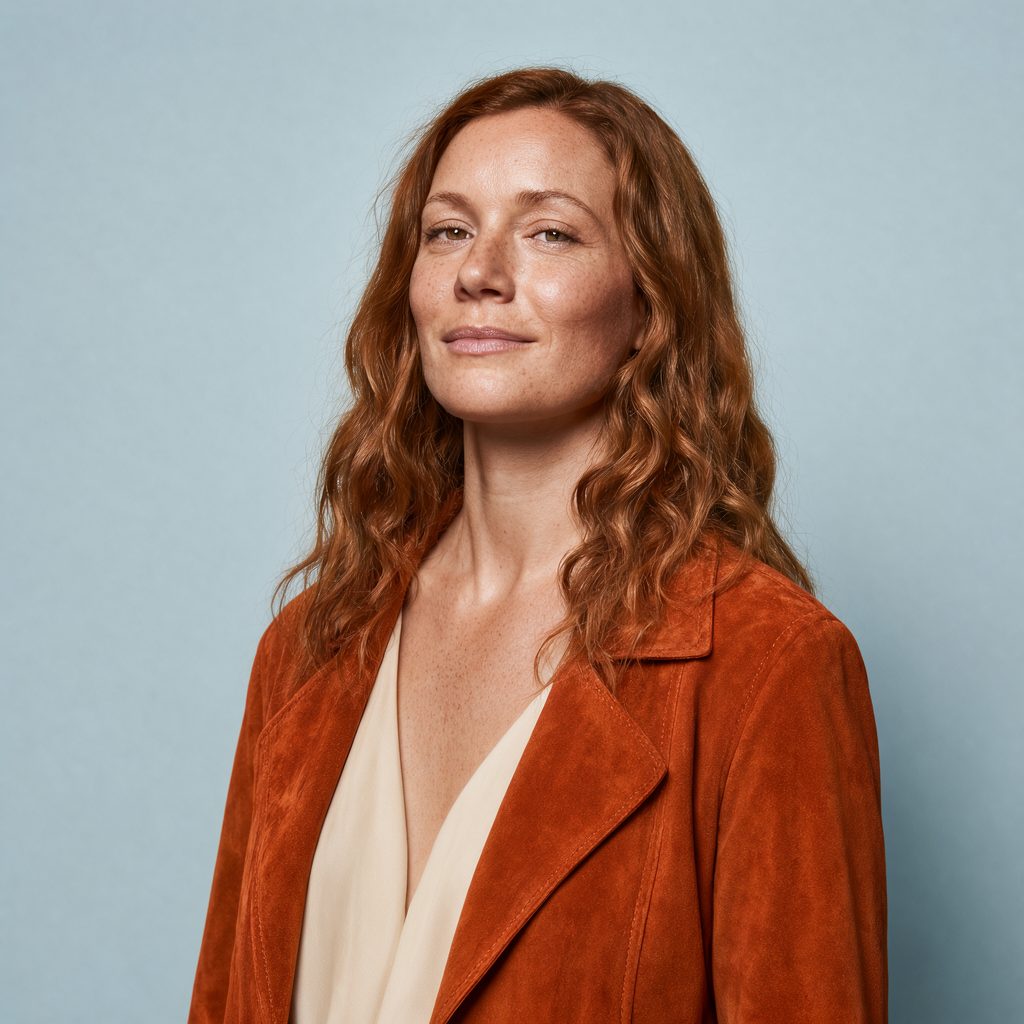
AI clothes changer
Edit photos with text prompts and up to 8 reference images. Krea 3 changes what you describe and keeps faces, products and labels as they were. Most edits come back in about 7 seconds.
Edit a photo with Krea 3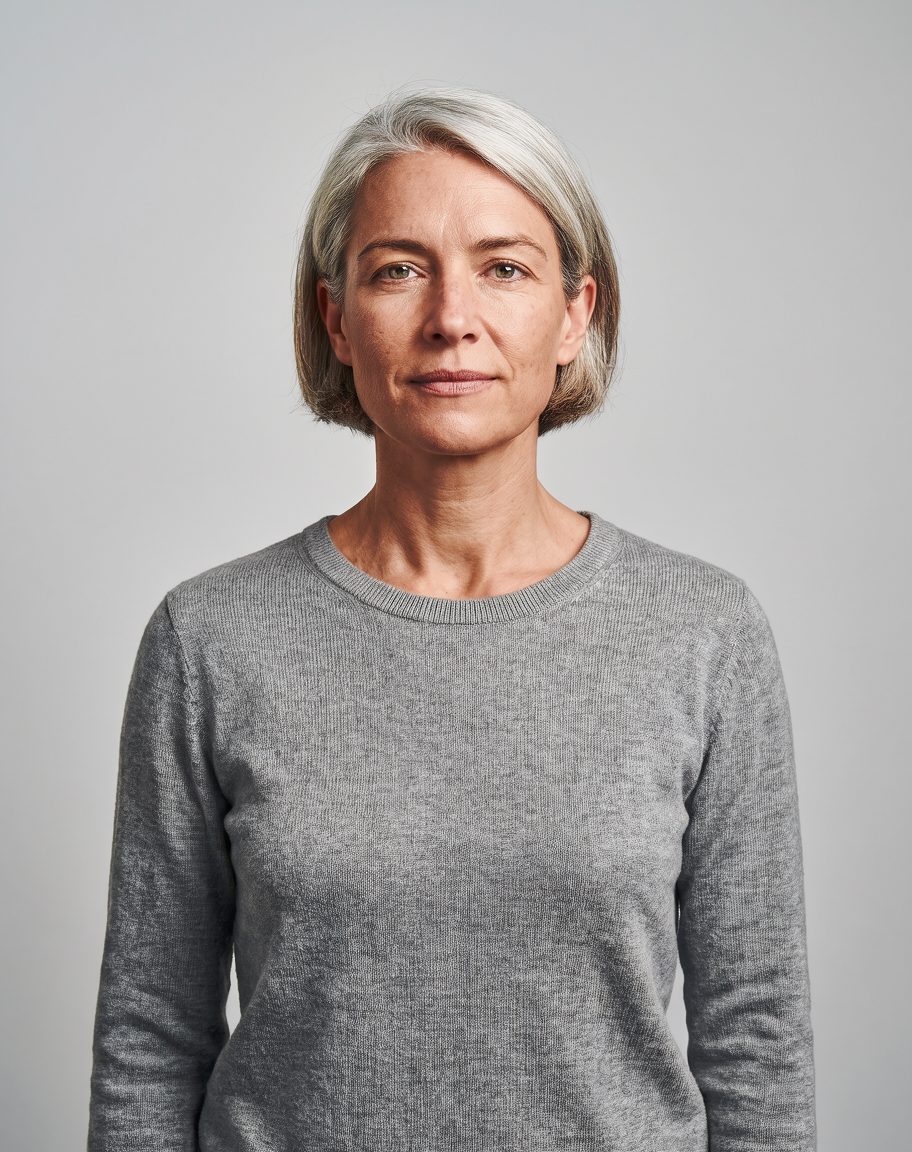
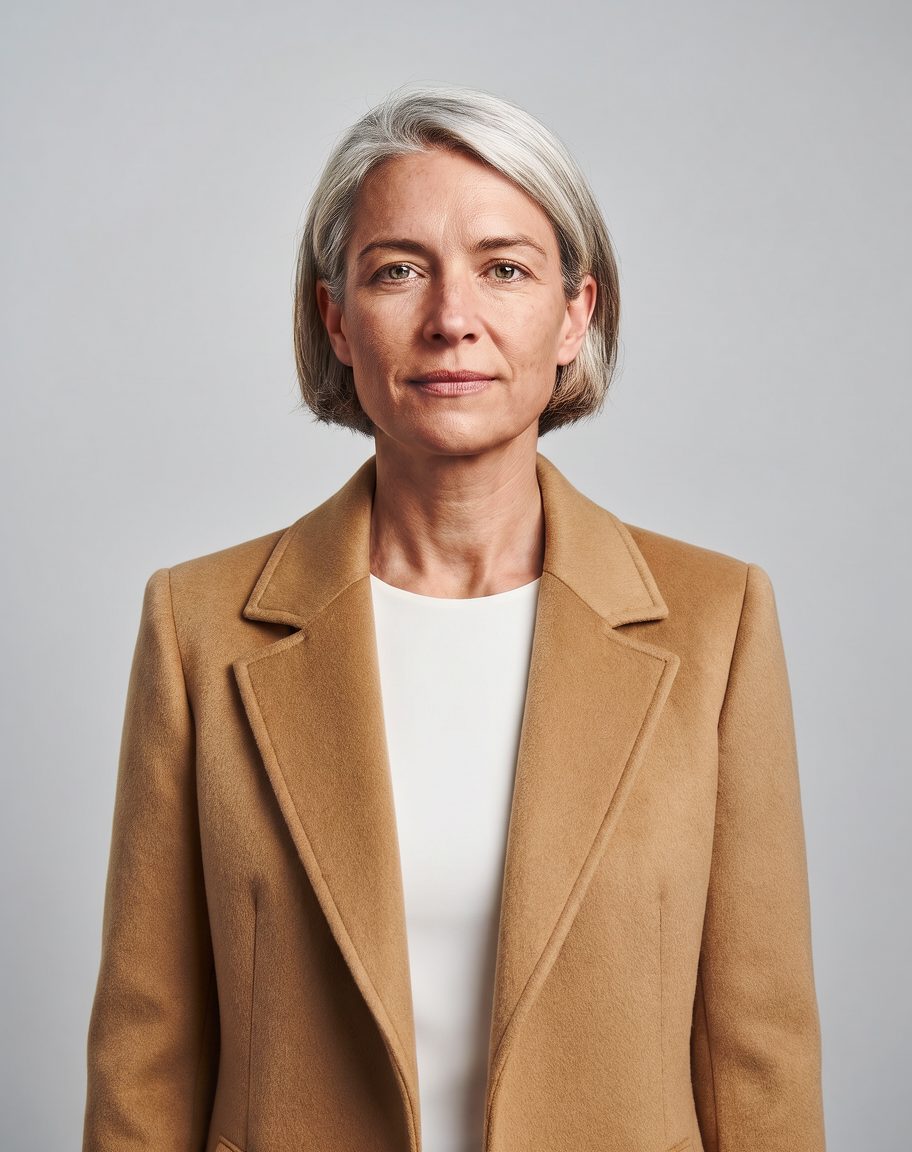 BeforeAfter
AI clothes changer
AI clothes changer
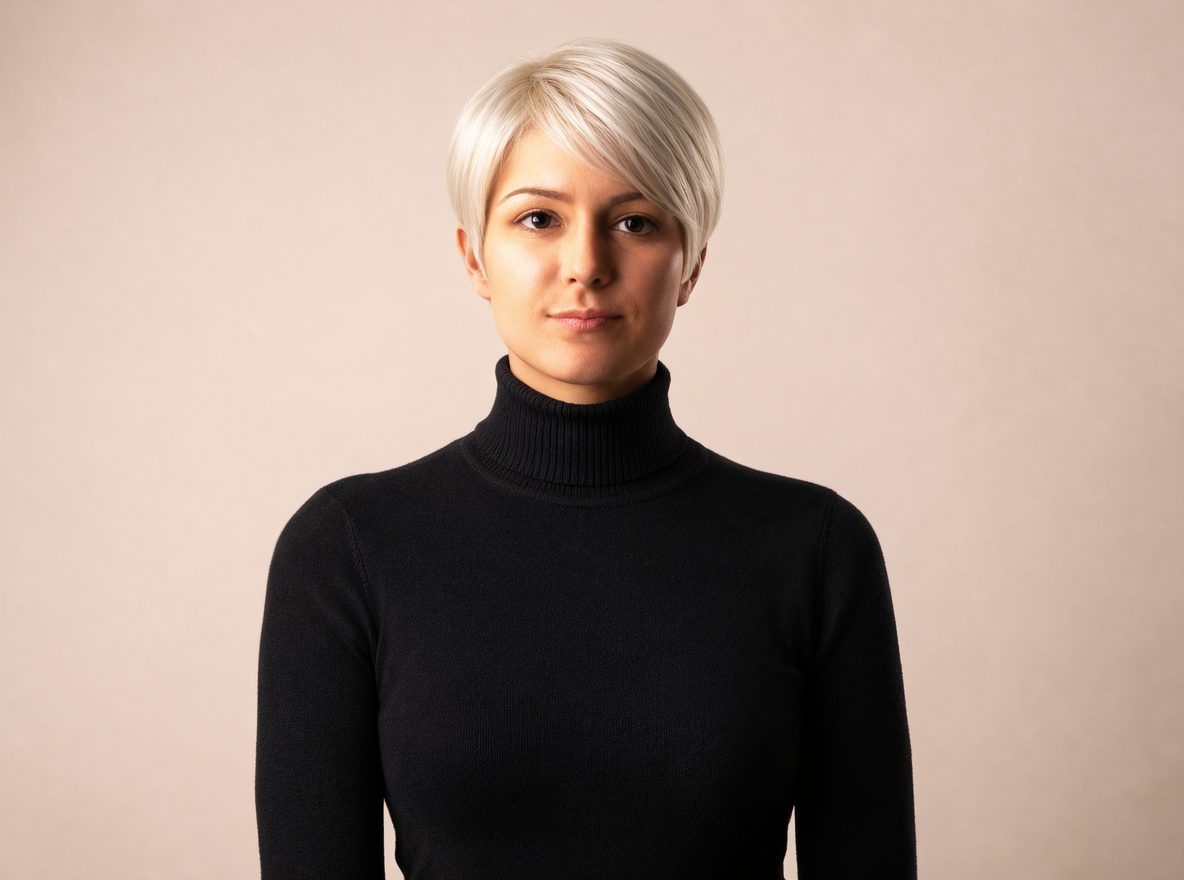
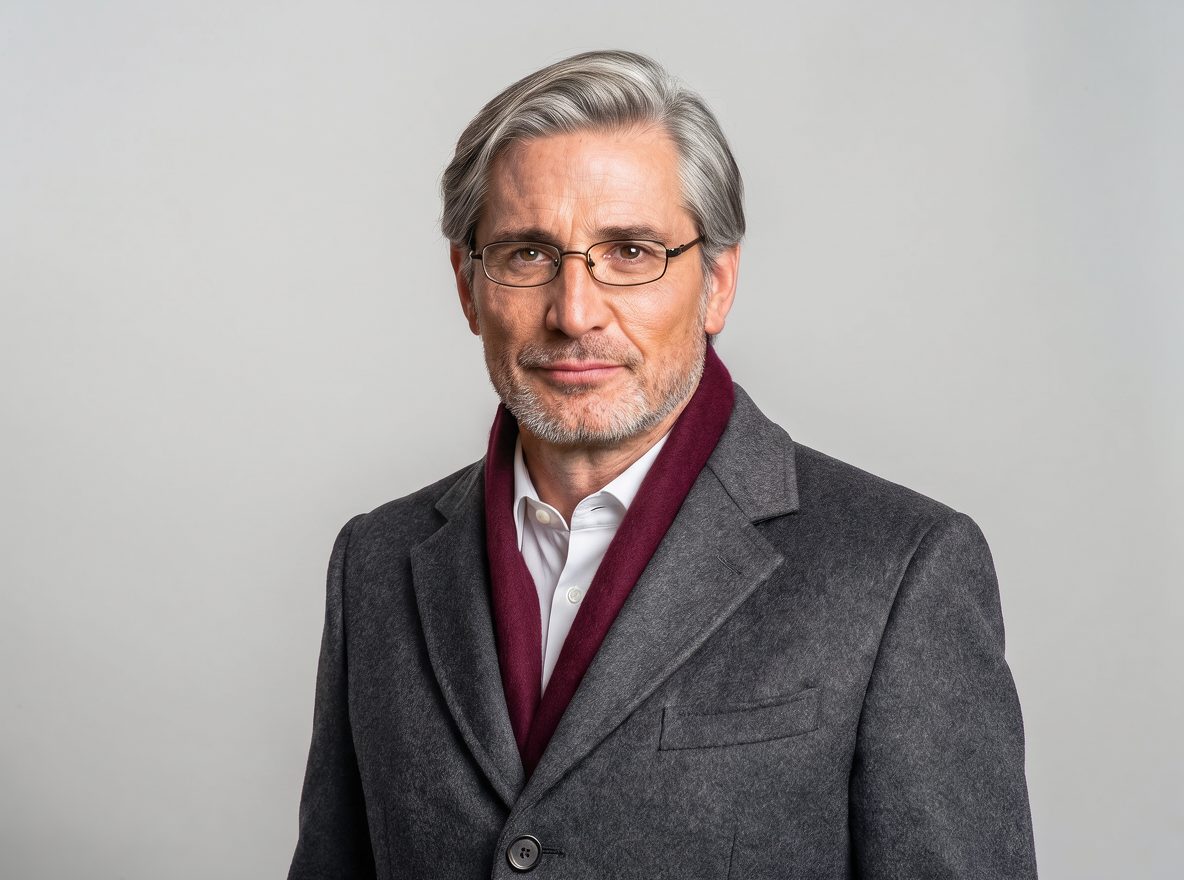
AI hairstyle changer
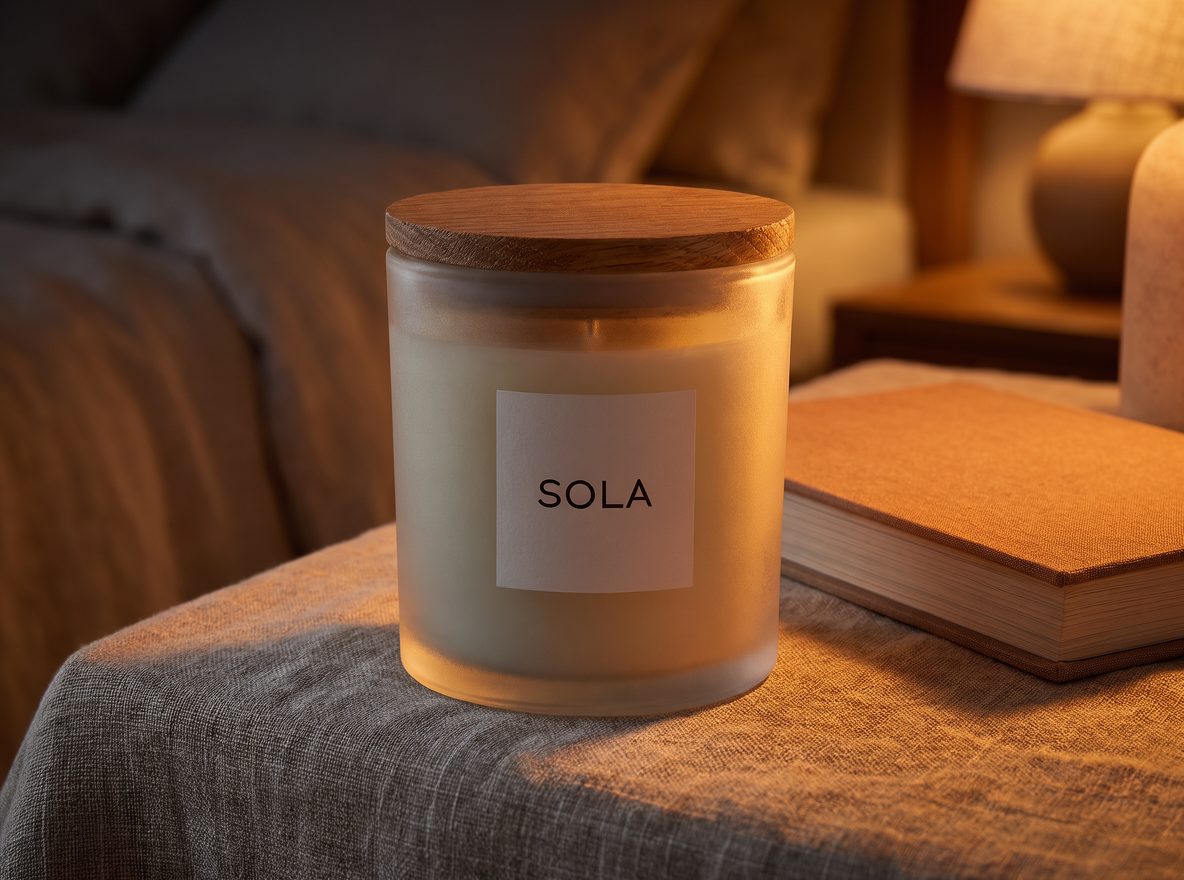
AI background changer
What Krea 3 keeps
How fast the Krea 3 AI image editor works and what it keeps intact from edit to edit.
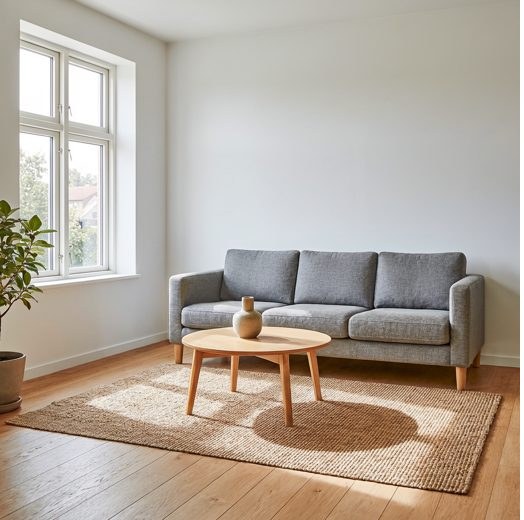
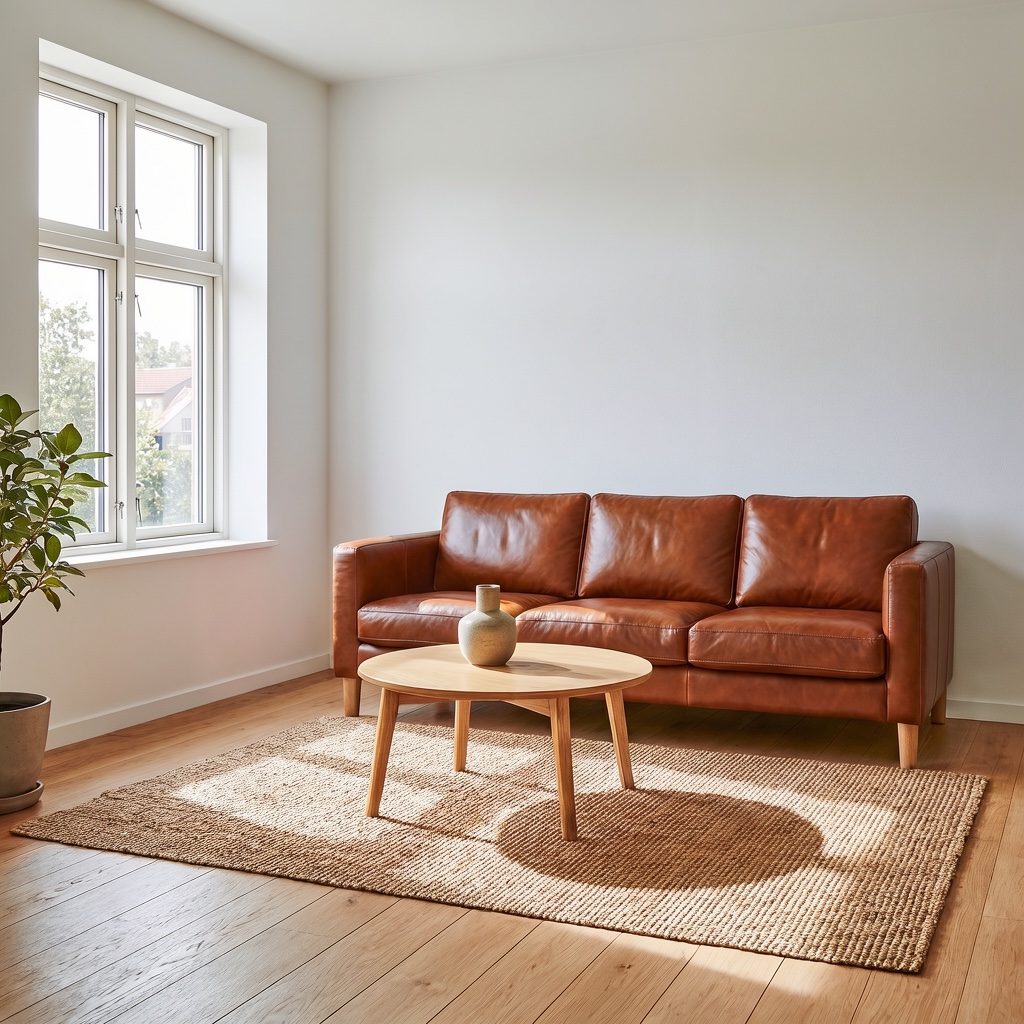
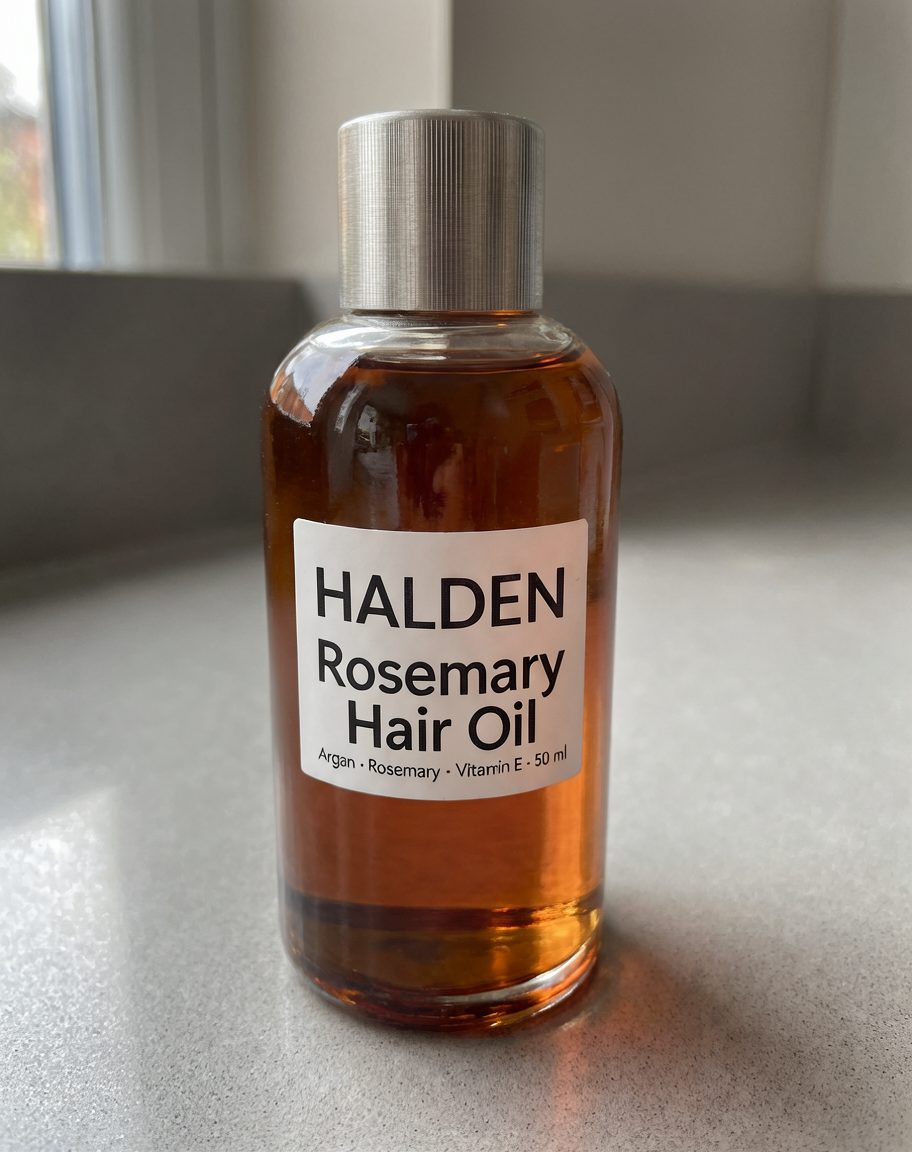
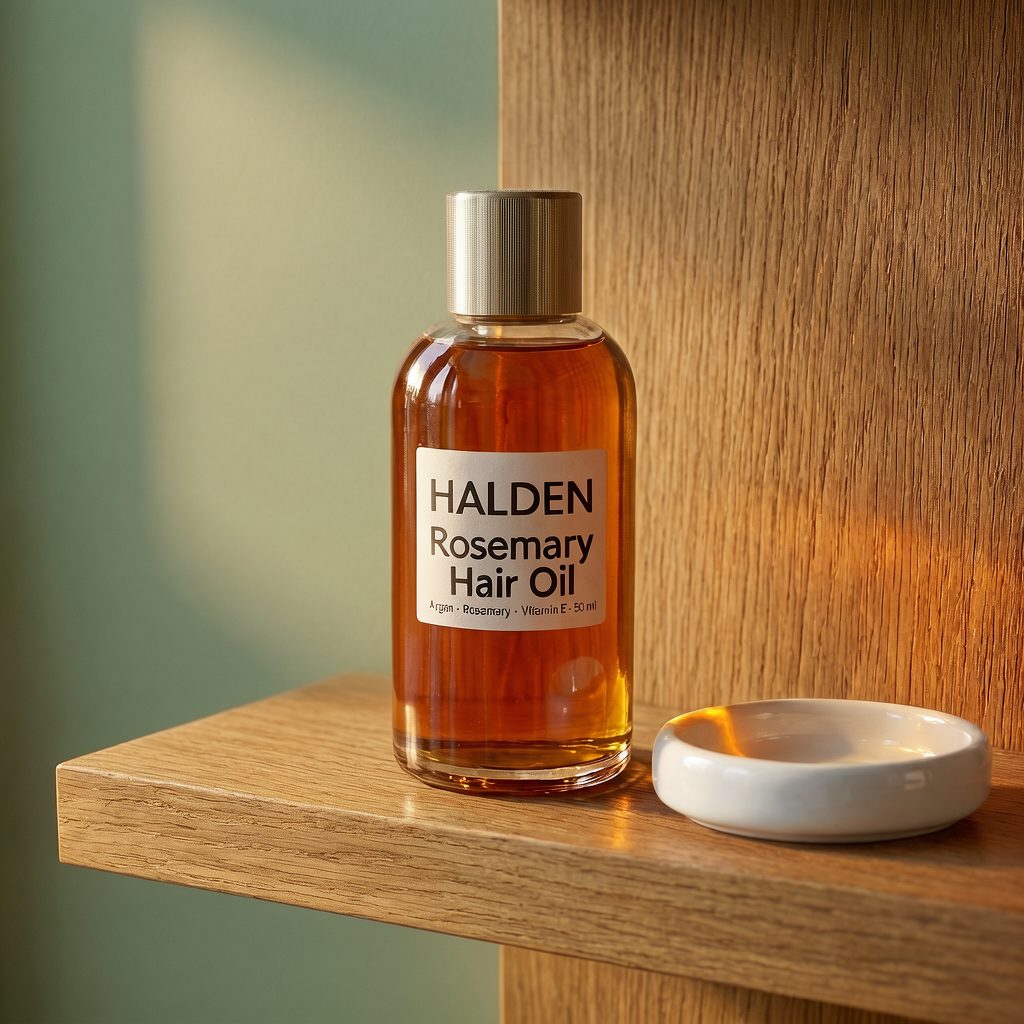
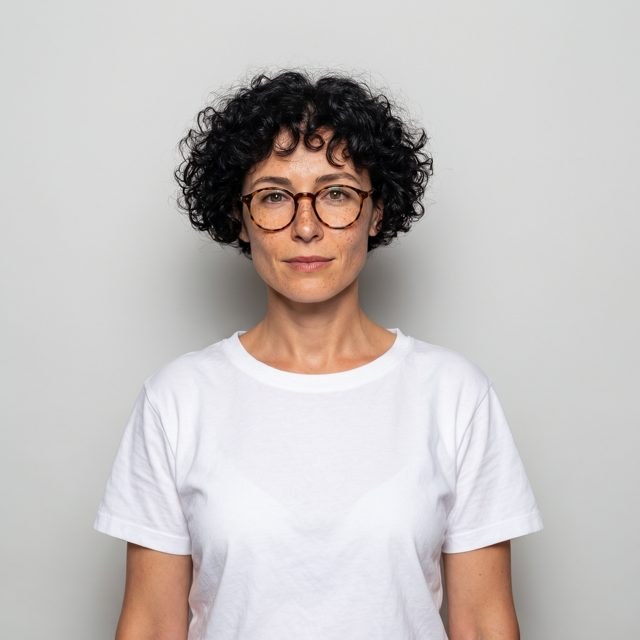
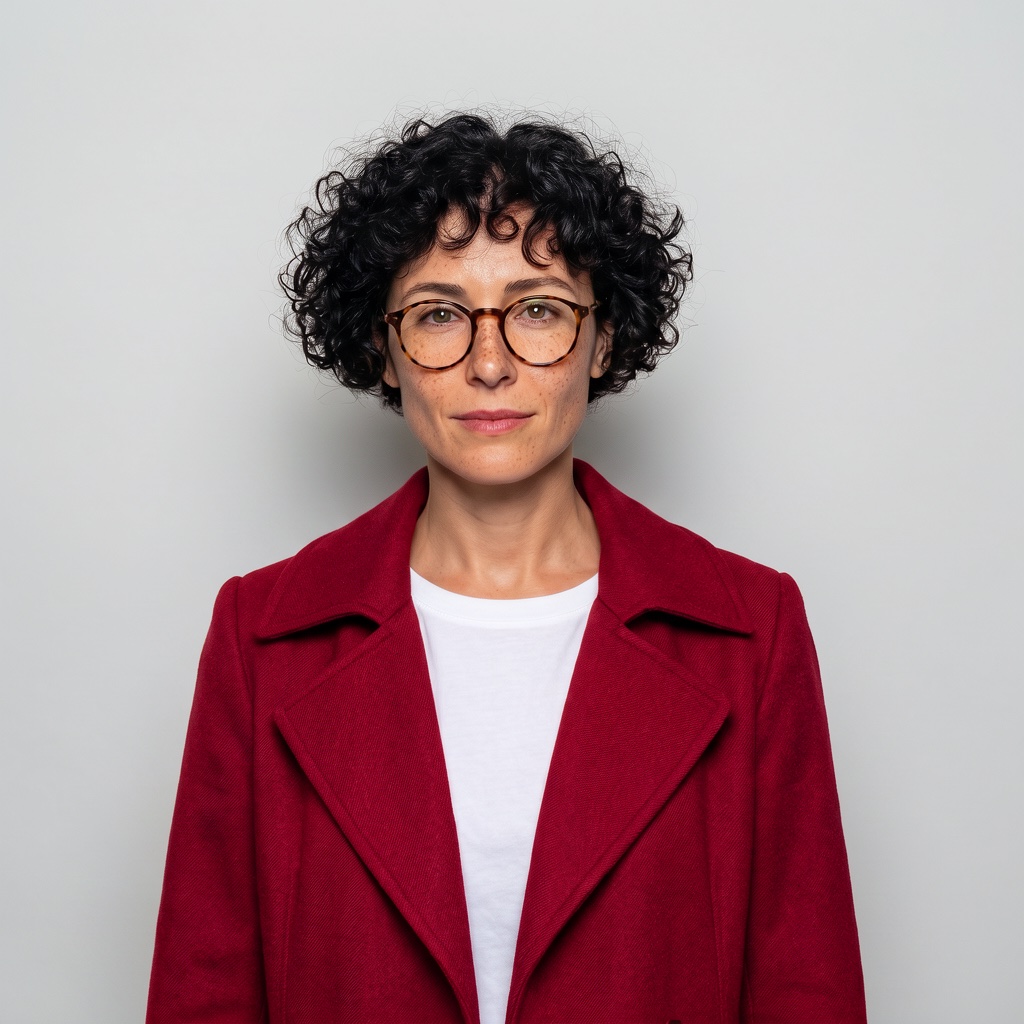
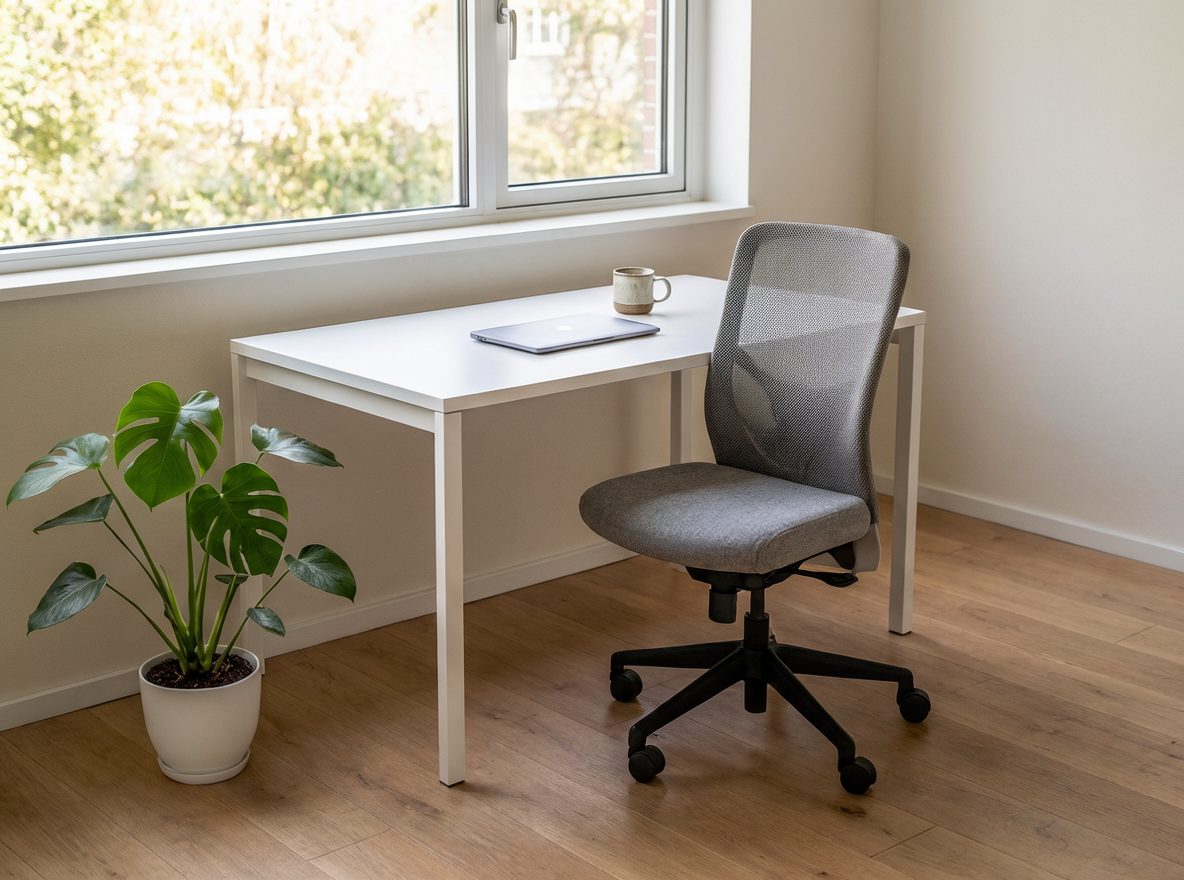
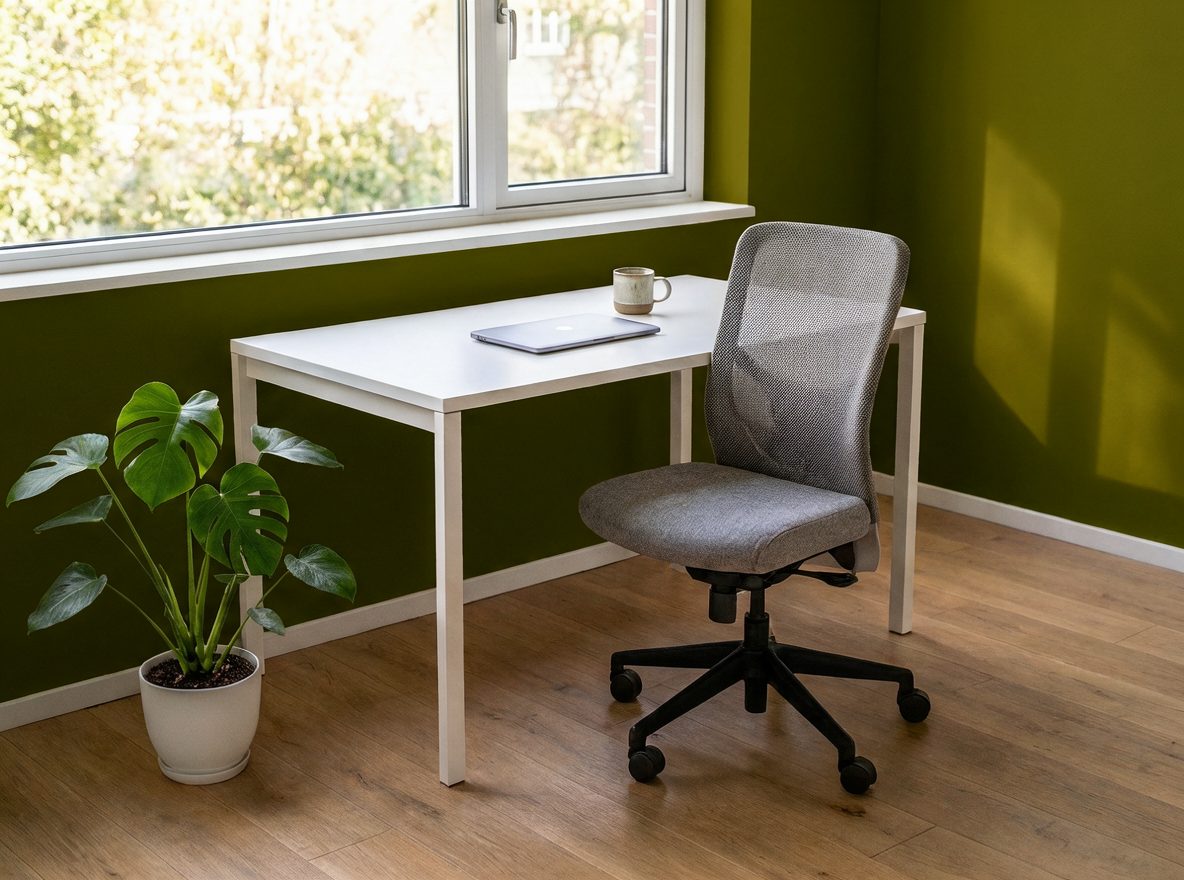
Change clothes, hair, backgrounds, colors and materials in a photo with text prompts, while the person or product stays the same.
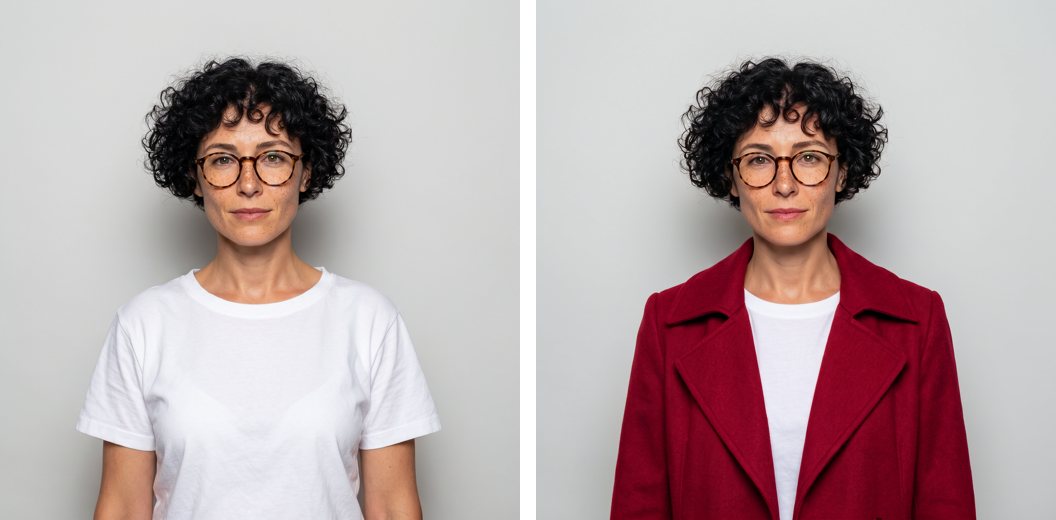
Put a red coat, a black suit or a jacket from a product photo on the same person. Face, hair and pose stay put.
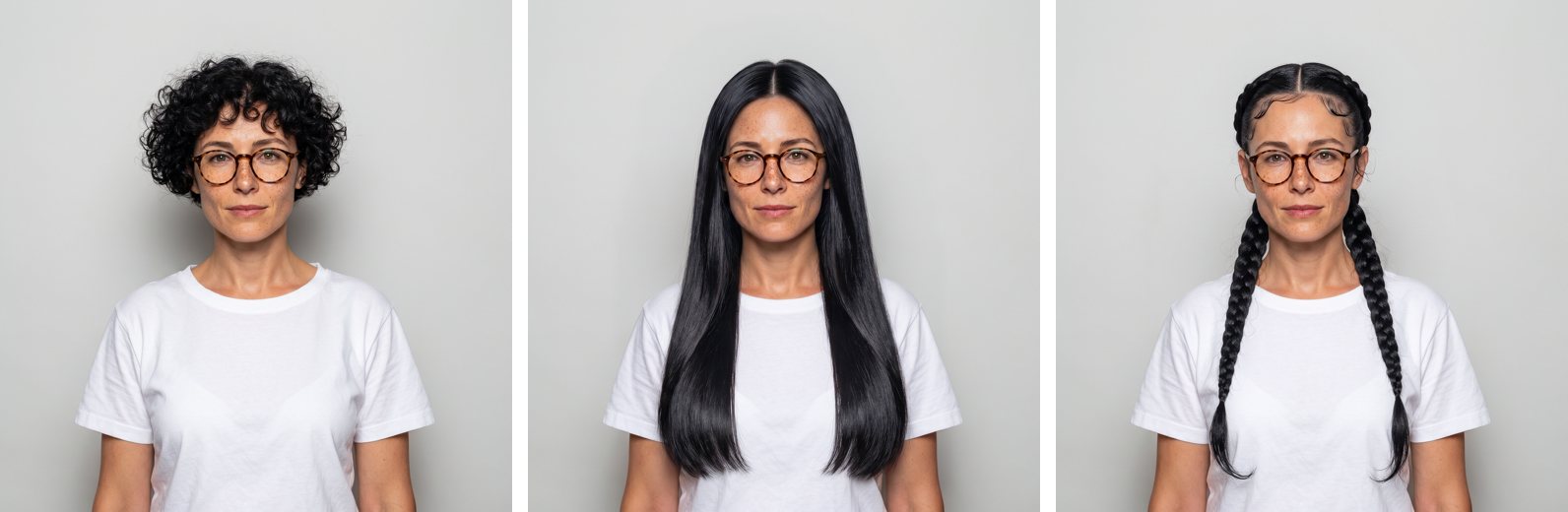
Long hair, braids, a bob or pastel pink, on the same face, so you can compare looks side by side.
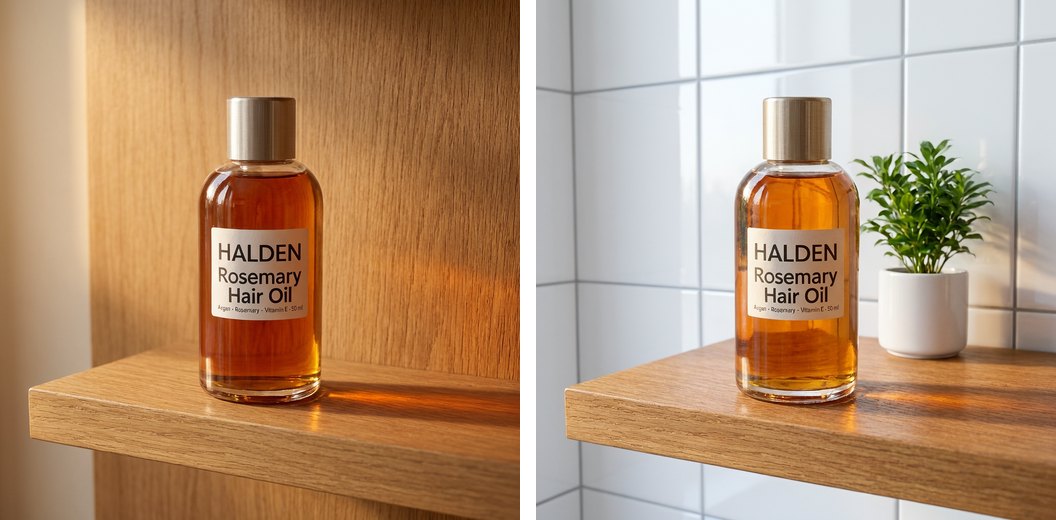
Move a bottle onto a stone shelf or into the scene from another photo, with the label text exactly as printed.
Turn a grey fabric sofa into cognac leather, recolor a mug, change a wall, and keep the room or the shot as it was.
Refer to Image 1, Image 2 and so on: the garment from one photo, the person from another, the room from a third.
Use any result as the next reference and keep refining one change at a time, without starting over.
Krea 3 is built for people who need edited images they can actually publish, with commercial use included.

Place one product photo into seasonal scenes, lifestyle settings and marketplace backgrounds without booking a reshoot.
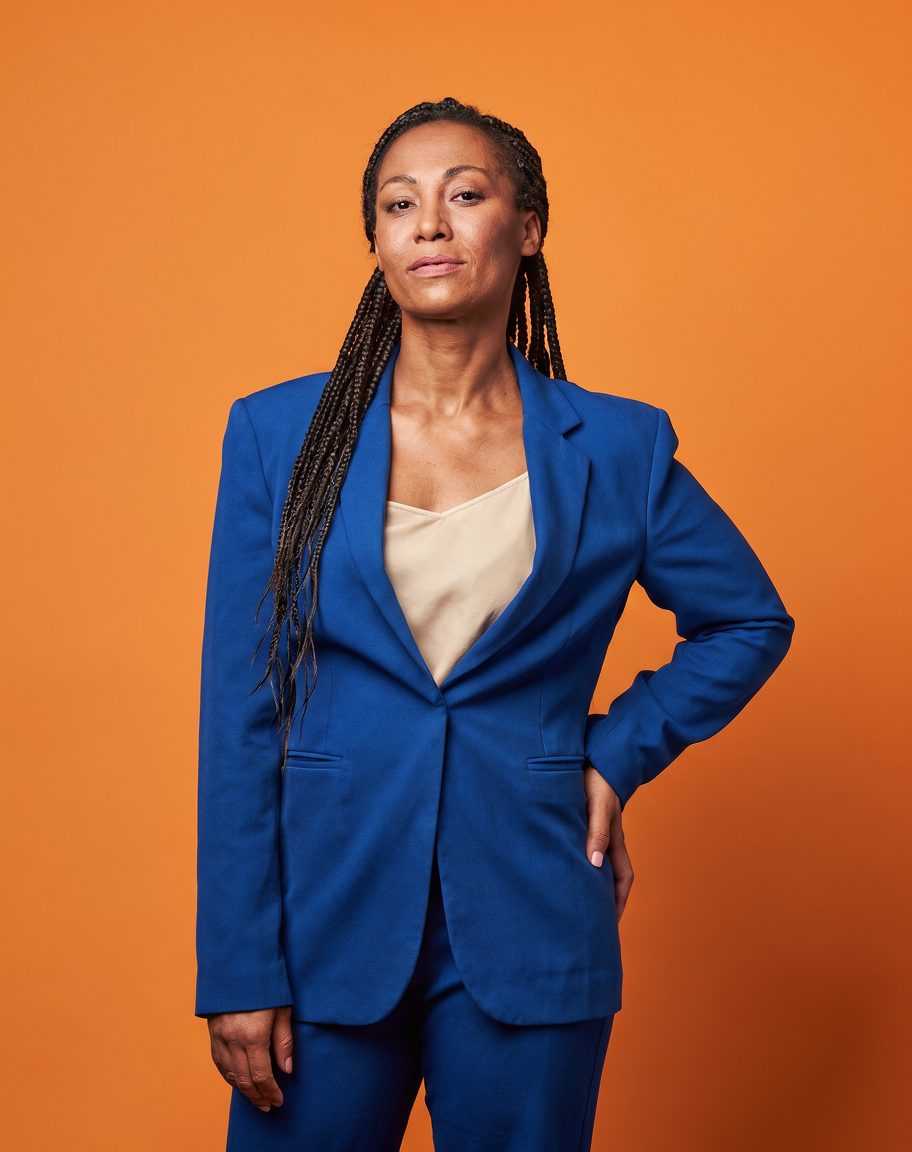
Produce campaign variations of the same model or product: new outfit, new backdrop, new color, same identity across every ad.
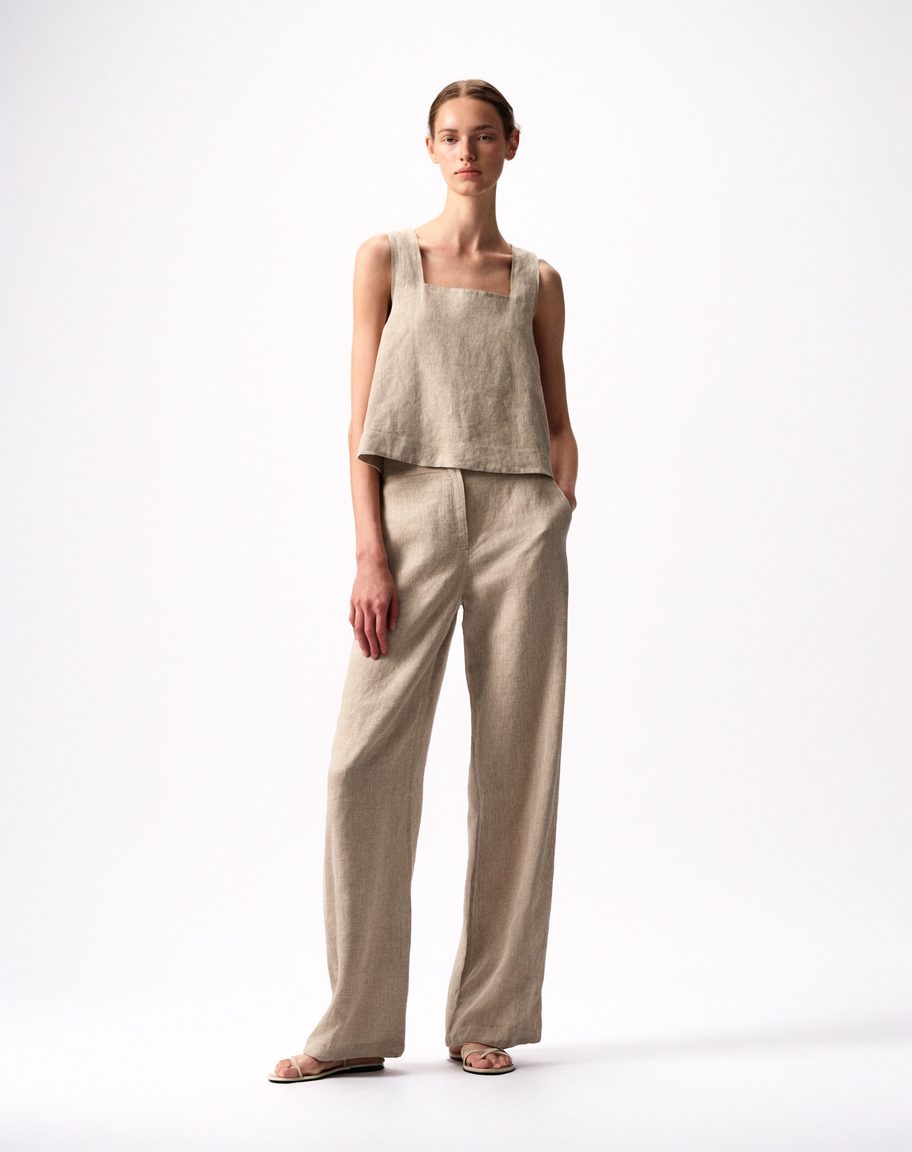
Preview garments on a model, test colorways, and build a lookbook from a few reference photos.
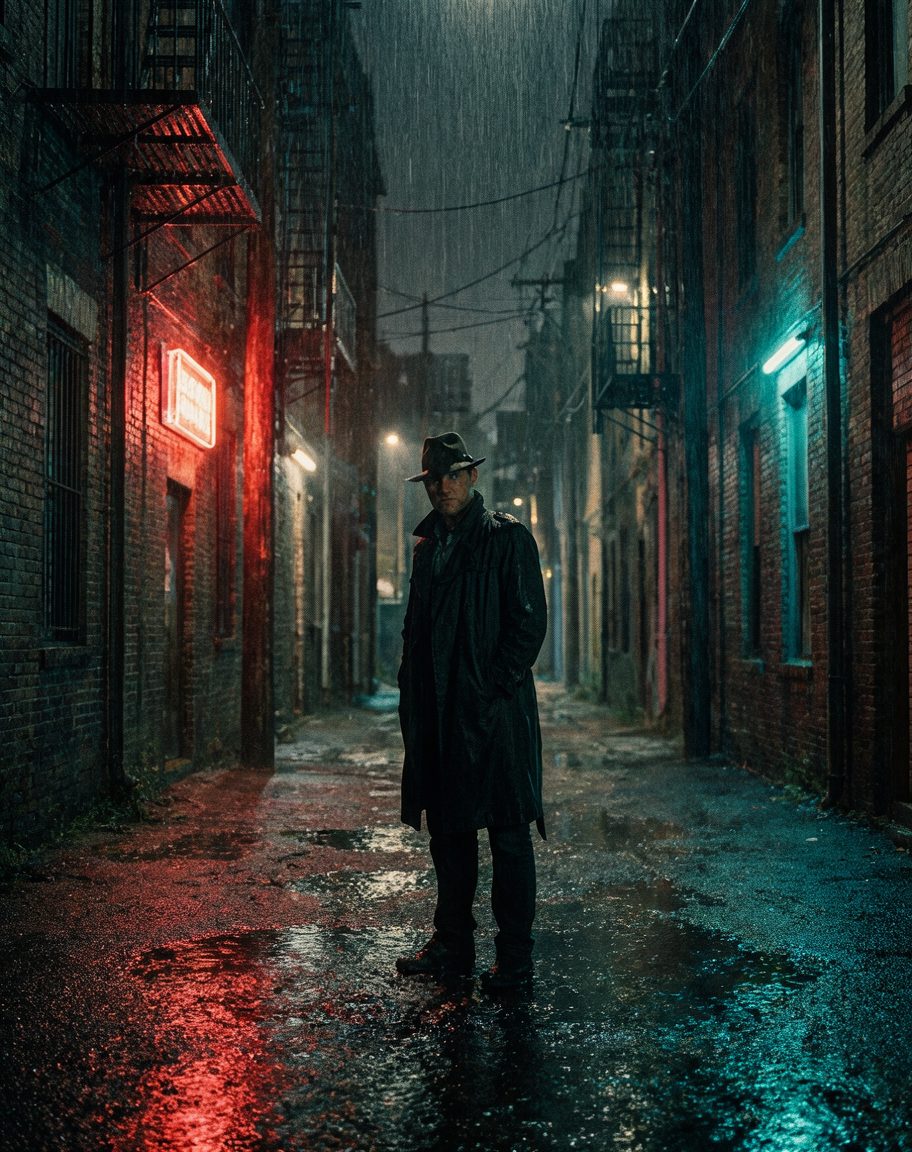
Explore costume, set and lighting ideas for film, TV and online series, and keep a character consistent across frames.
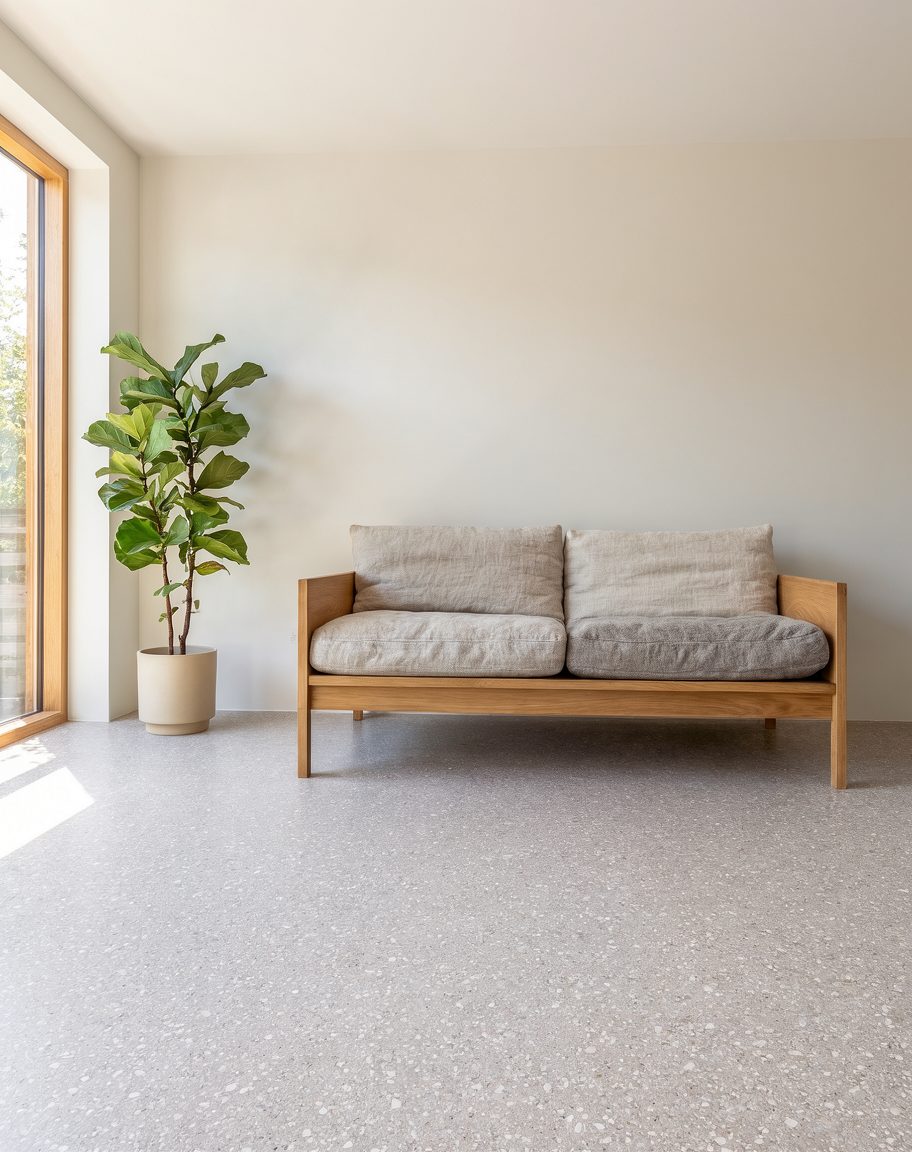
Show a client the same room with a new sofa, floor or wall finish, while the layout and light stay true.

Turn one good photo into a week of posts with new scenes and looks, keeping your face or your product recognizable.
Editing with the Krea 3 AI image editor takes one prompt and a few seconds.
Open the Krea 3 AI image editor and add the image you want to edit. Add more references if you want to bring in a garment, a product or a scene, up to 8 in total.
Write the edit in plain language, for example "Change only her jacket to red wool. Keep her face, hair and the background unchanged." Check the credit cost on the button.
Drag the slider to compare before and after, download the result, or use it as the next reference for another change.
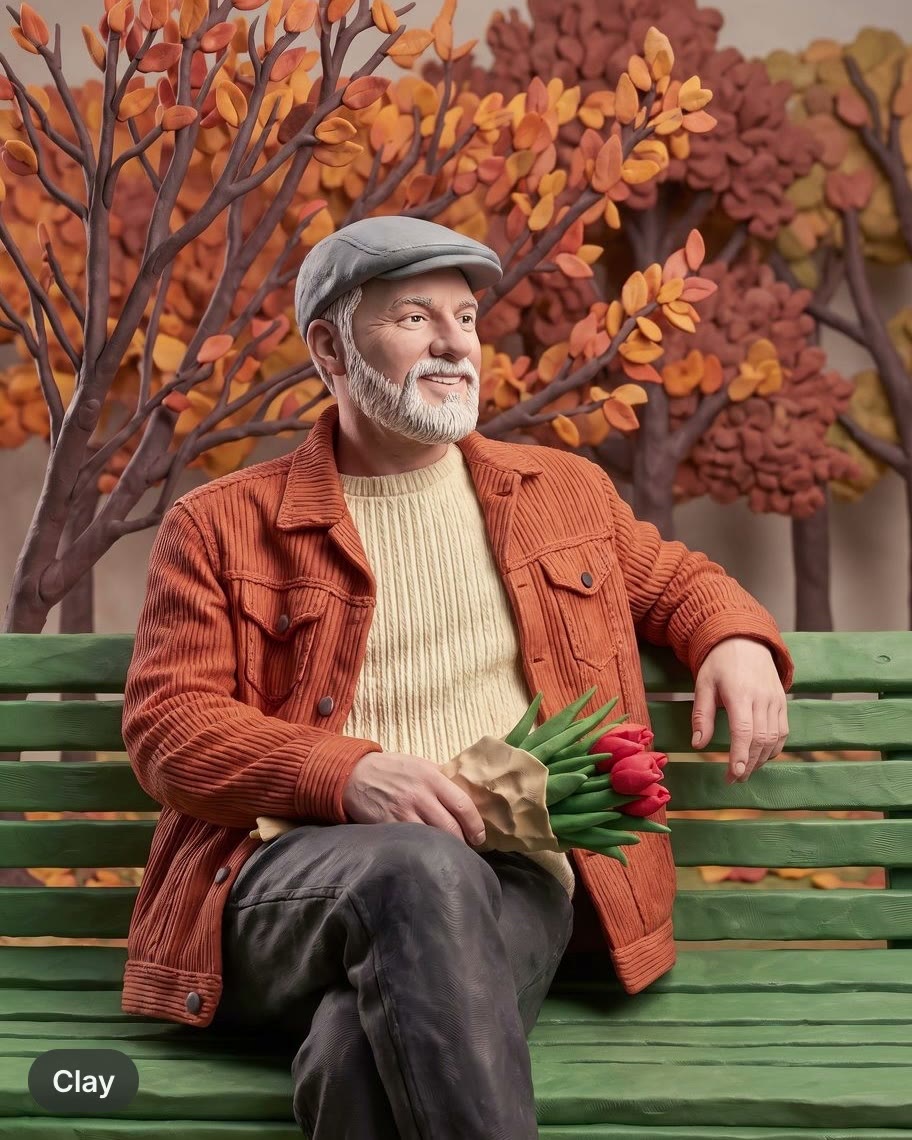
Each image was made in the Krea 3 AI image editor from a photo and a short prompt. The prompt is written on every card.
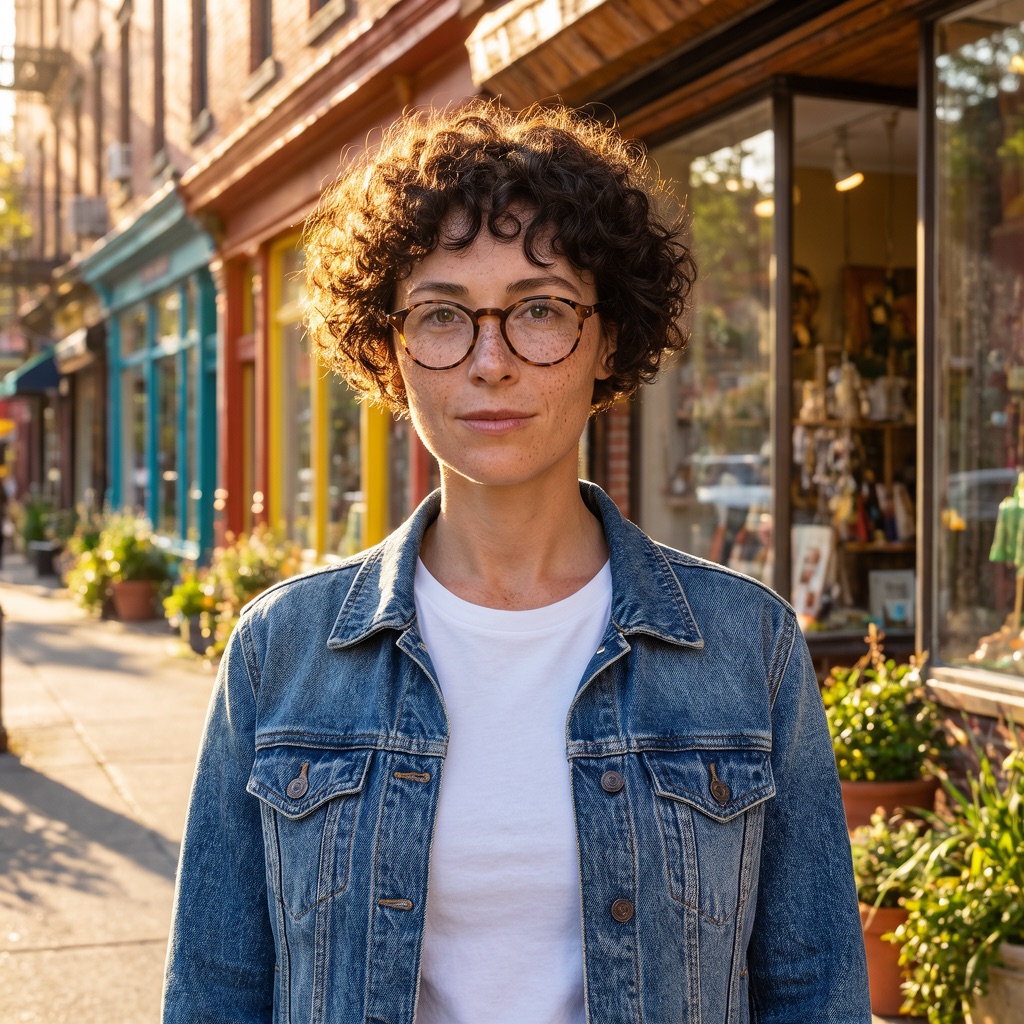
“Swap her denim jacket for a cream cable-knit sweater.”
“Make his hair a platinum buzz cut.”
“Put this sneaker on a mossy rock in a forest stream.”
“Turn the kitchen cabinets sage green. Keep everything else.”
“Image 1 is the dress, Image 2 is the model: put the dress on her on a rooftop.”
“Add a slice of lemon on the rim of the glass.”
“Change the car to matte olive green.”
“Make it golden hour.”
“Replace the window view with a snowy mountain.”
Ask most AI photo editors to change the background and the face, the logo and the hands change too. The Krea 3 AI image editor changes only what your prompt names.
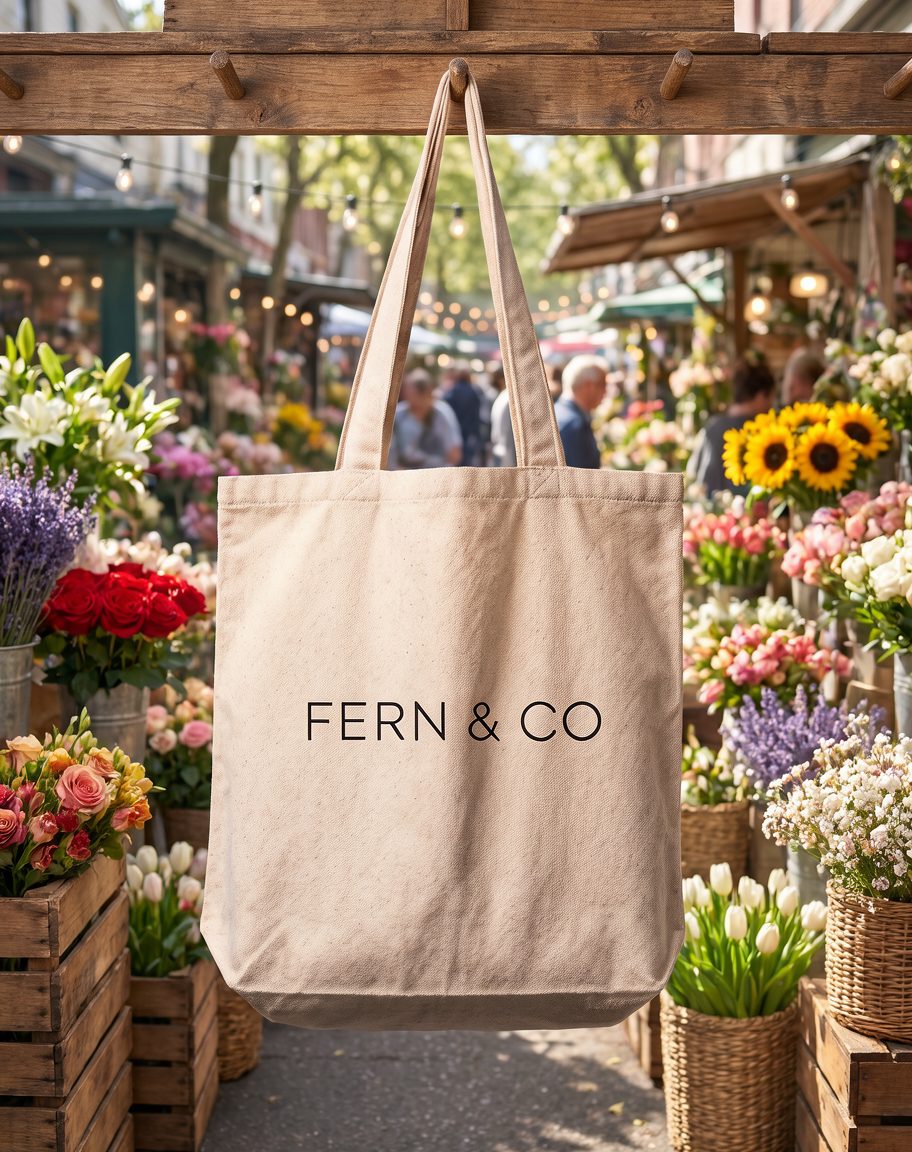
Most editors hand back a new face or a melted logo along with the change you asked for, and you spend the next hour retouching. Krea 3 changes what you name. Swap the sofa and the table, rug, window and light stay as they were.
Because the face, the product and the logo stay recognizable from edit to edit, ten variations of your model or product read as one campaign, not ten different people.

According to Krea, Krea 3 is 4× faster than Nano Banana Pro. Most single-photo Krea 3 edits finish in about 7 seconds, so you can try three directions in the time other editors take for one.
A new season, a new backdrop or a new colorway used to mean a new studio day. Here it is one photo and one sentence, for a few credits.
Use what you create in ads, store listings, client work, film and TV. The images are yours to publish.
How the Krea 3 AI model compares on speed, according to Krea's own launch figures.
Early Krea 3 users praise how fast edits come back.

When Krea 3 opened its beta, users in the r/krea launch thread praised the model's edits.r/r/krea launch threadPraise for Krea 3 Edits
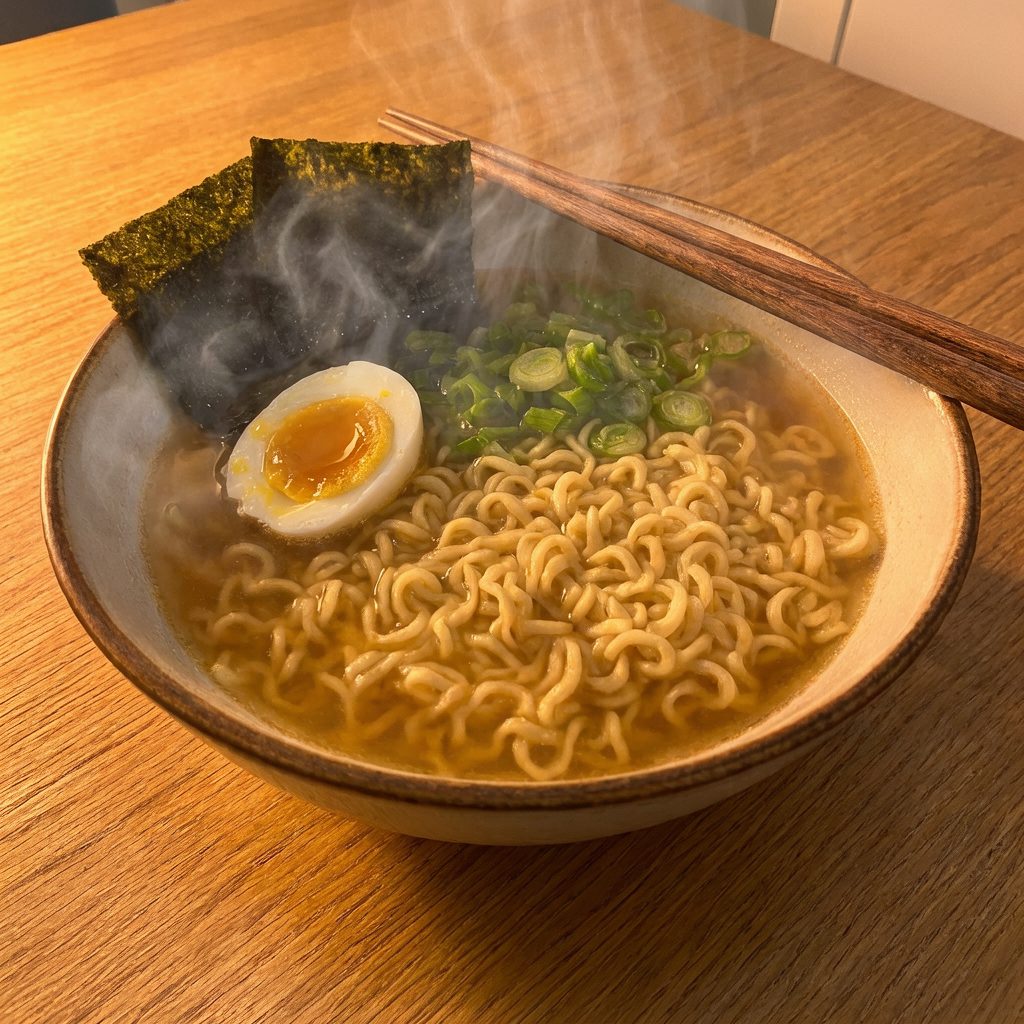
One user said a small edit used up a whole day of credits, and another r/krea post said the editor kept switching back to a pricier setting. Each edit is 20 credits at 1K, shown on the button.r/r/kreaSee the Cost Before You Generate
User voices from public threads, not testimonials of this site.
Go deeper on the Krea 3 edits people use most.
Put any outfit, or a garment from a product photo, on the same person.
Turn one photo into a new image: the same person or product in a new scene, a new style, or mixed with up to 8 pictures.
Try new cuts and hair colors on your own portrait.
New scenes for product photos with the label kept sharp.
Speed, consistency and real before-and-after edits with Krea 3.
Answers about the Krea 3 model, the Krea 3 AI image editor on this site, credits and commercial use.
Edit a photo with Krea 3Krea 3 is the image editing model from Krea AI, released as a beta on October 15, 2026. It takes a prompt and optional reference images and changes what you describe while keeping the rest of the image, such as faces, products and labels.
No. Try Krea 3 is an independent service that runs the Krea 3 model. It is not affiliated with Krea. The official site is krea.ai.
New accounts on Try Krea 3 get 24 starter credits, enough for one 1K edit with a reference photo. After that, you buy one-time credit packs.
Yes. Images you create on Try Krea 3 can be used in commercial projects, including ads, product listings, client work, film and TV. You need the rights to the photos you upload, and an output does not give you rights to third-party logos or people that appear in it.
According to Krea, most Krea 3 edits finish in under 8 seconds at 2K and it is 4× faster than Nano Banana Pro. A single-photo edit at 1K takes about 7 seconds.
Up to 8 per edit on Try Krea 3. Refer to them as Image 1, Image 2 and so on in your prompt.
As of October 2026, Krea has not published Krea 3 weights. It runs on krea.ai, through Krea's API, and on independent services such as Try Krea 3.
Ultra is a slower Krea mode that generates several candidates and returns the best one, available on Krea's Max plan. Try Krea 3 offers Fast and High reasoning modes.
Each generation costs 20 credits at 1K or 26 at 2K, and High reasoning adds 4. Reference images are included: adding a second or eighth photo costs nothing extra. The total is shown on the Generate button before you start. Credit packs are one-time purchases with no subscription.
If a generation fails for a confirmed technical reason, the credits are returned to your balance.
Upload a photo, describe one change, and see the Krea 3 result in seconds. Your first edit is covered by 24 starter credits.
Edit a photo with Krea 3