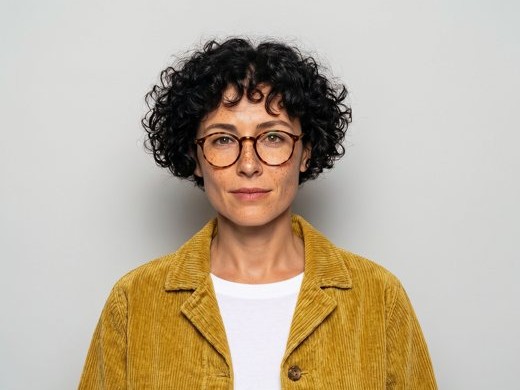
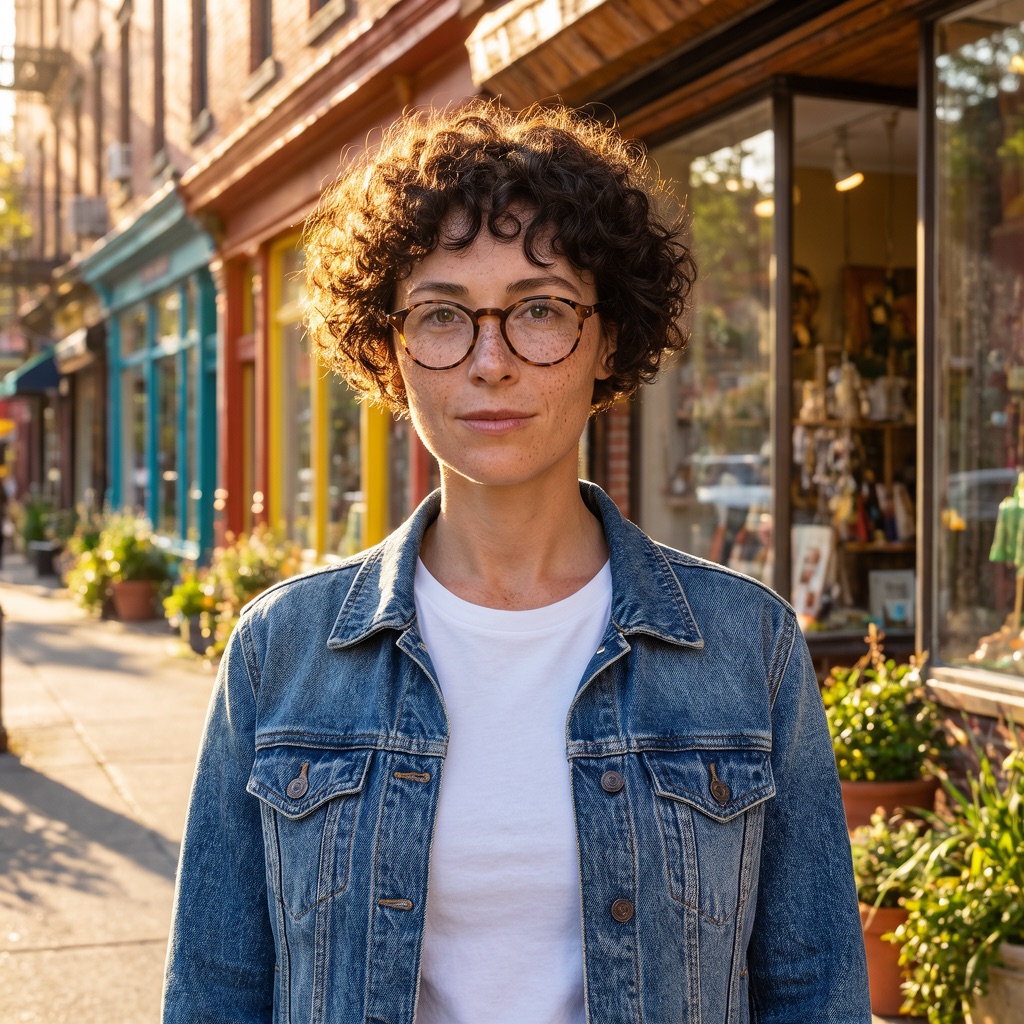
Dress the woman from image 1 in the jacket from image 2, worn open over her white t-shirt. Keep her face, hair, glasses, pose and the grey wall unchanged.
Upload a photo of a person and a photo of the garment. This AI clothes changer dresses them in that piece, with its stripes, colors and buttons carried over, and keeps their face and hair the same.
Pick a starting point for this AI outfit changer: a garment photo, a flat-lay, or a few words.
Dress the woman from image 1 in the jacket from image 2, worn open over her white t-shirt. Keep her face, hair, glasses, pose and the grey wall unchanged.
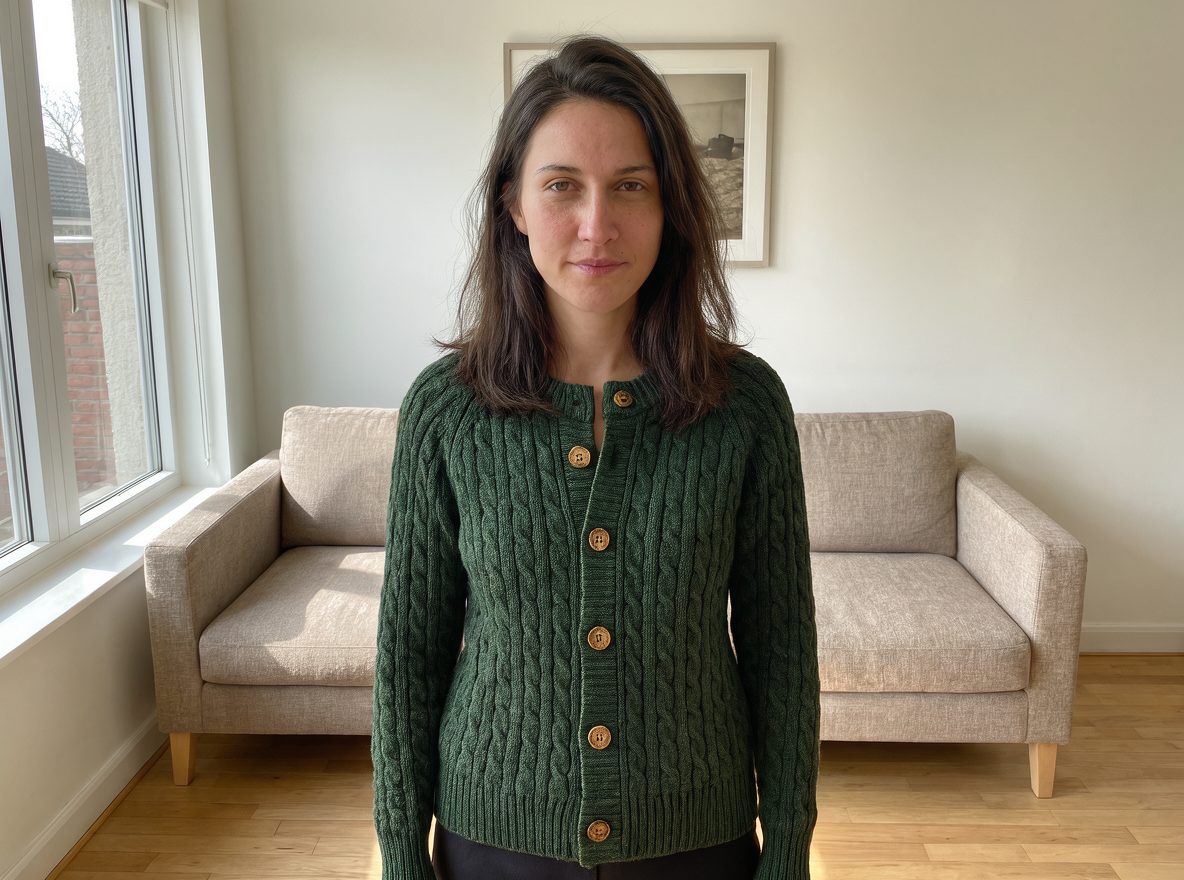
Dress the person from image 1 in the cardigan from image 2. Keep their face, hair, pose and background unchanged. No extra accessories.

Change only her outfit to a red wool trench coat over the white t-shirt. Keep her face, hair, glasses, pose and the background the same.
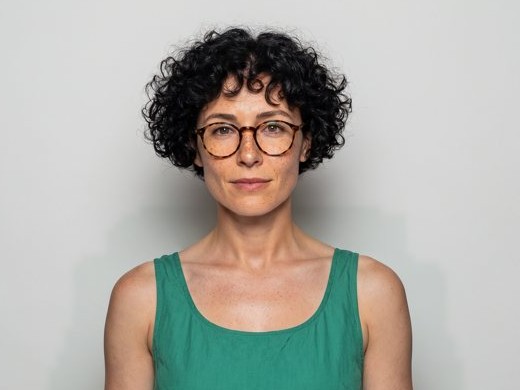
Change only her outfit to a green summer dress. Keep her face, hair, pose and the background the same.
A phone-size portrait and a flat-lay product shot go in. Here is what comes out.
A flat-lay cardigan in navy and cream stripes, with a V-neck and four red buttons, went onto the person in image 1. The stripe widths, the colors, the ribbed edges and all four red buttons match the product shot.
The same woman, the same hair, the same pose on the same sofa. Only the outfit is new.
The jacket kept its mustard color, the corduroy ribs, the collar and the brown buttons, worn open over her white t-shirt.
No garment photo, just a description. The coat came back in red wool over the same t-shirt, on the same woman.
From online stores to stylists, people change clothes in a photo when a new shoot costs more than the garment.
This online AI outfit changer needs one portrait, one garment photo or one sentence, and about 20 seconds.
Open the AI clothes changer and add a clear photo of the person as image 1, ideally showing as much of the outfit area as you want changed.
Add a flat-lay or product shot as image 2, or write the look, for example "a red wool trench coat over the white t-shirt". Name what must stay: face, hair, pose, background.
Check the credit cost on the button, generate, and drag the slider to compare. Download the result, or use it as the next reference for one more change.
A template look only shows a style. This AI outfit changer puts the garment from your own photo on your person.
A text prompt gets you "a striped cardigan". You need the one you are selling, with its stripe width and its button count. Add the product shot and this AI clothes changer puts that piece on your person.
Ten outfits on ten slightly different faces read as ten models. With this AI clothes changer the face and hair stay the same, so a whole lookbook reads as one person.
A new arrival used to mean booking the model, the studio and the light again. Now it is the photo you already have plus one garment shot.
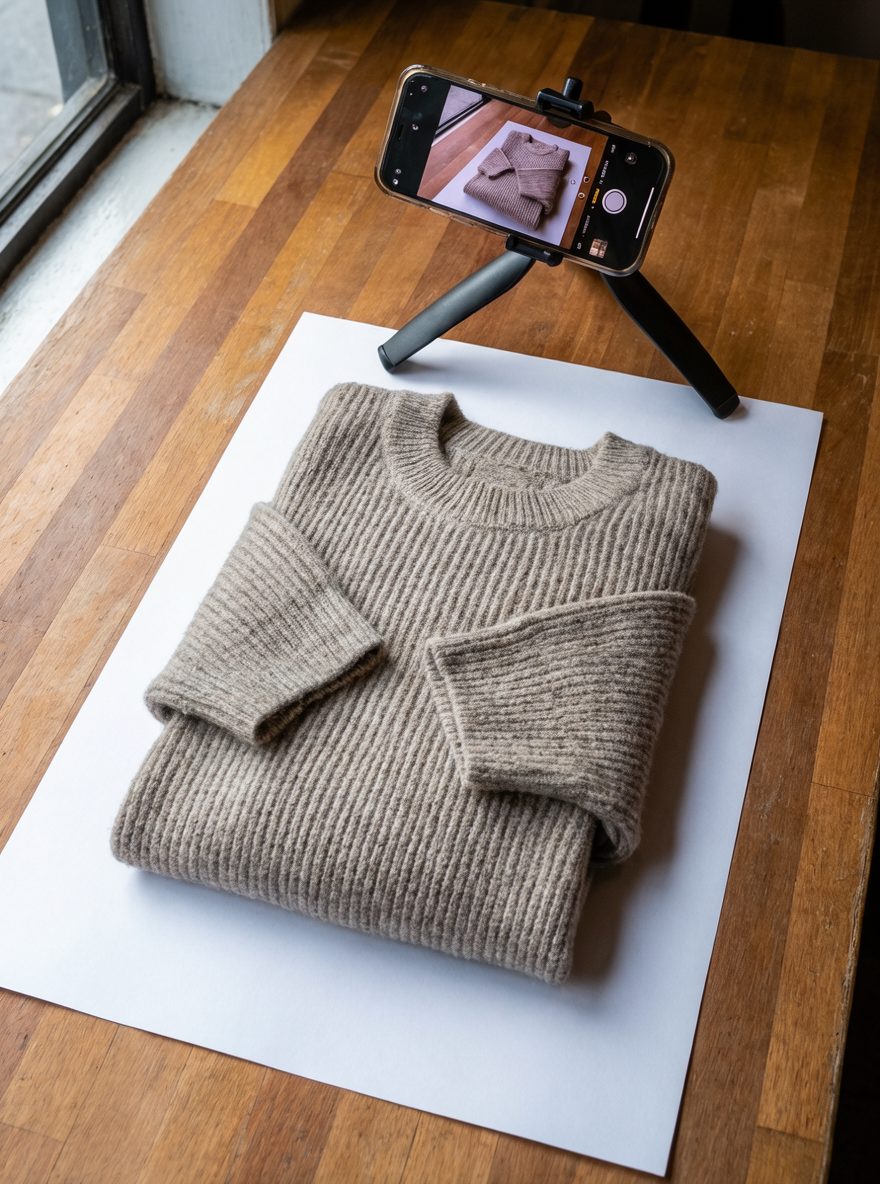
Trying a look you do not own yet works from a sentence in the AI clothes changer. Pick the direction you like, then source the real piece.
Looking for the best AI clothes changer for your own garments? Here is what each page says it does.
How to brief this AI outfit changer for the look you want.
Write "no tie", "no extra accessories" or "keep the white t-shirt visible" and the AI clothes changer leaves the rest of the look alone. The preset prompt already asks for no extra accessories.
"Matte black wool suit" beats "black suit". The more precise the material, the closer the result.
A flat lay or product shot on a plain background carries the color, fabric and buttons straight onto the person.
For dresses and full outfits, start from a photo that shows the whole body and the AI clothes changer dresses all of it.
FAQ
Credits, garment photos, phone uploads and commercial use for this AI clothes swap tool.
An AI clothes changer takes a photo of a person and replaces what they are wearing with a new outfit, described in words or taken from a photo of the garment. The rest of the photo stays as it was.
Yes. That is what this AI clothes changer is built for. Add the flat-lay or product shot as image 2 and write "the garment from image 2" in your prompt. You can add up to 8 reference images in one edit.
New accounts get 24 starter credits, enough for one 1K AI clothes swap with a garment photo. After that you buy one-time credit packs.
20 credits at 1K or 26 at 2K, plus 4 with High reasoning. Reference images are included, so adding the garment photo costs nothing extra. Packs are 2,000 credits for $29, 4,600 for $59 and 9,000 for $99, one-time, no subscription.
If a generation fails for a confirmed technical reason, the credits go back to your balance.
Yes. You can use what you create in store listings, ads and client work. You need the rights to the photos you upload, and a result does not give you rights to third-party logos or people in it.
Yes. PNG, JPEG and WebP upload directly, and large phone photos are shrunk in your browser first. If your browser cannot read a file, export it as JPEG or PNG and try again.
Close, but not the same. Virtual try-on tools are built into stores and fit a size to your body. An AI outfit changer edits a photo: it shows how a garment looks on a person, not how it fits.
Try Krea 3 runs Krea's Krea 3 image model, but it is an independent service, not affiliated with Krea. The official Krea site is krea.ai.
Keep editing the same photo after the AI outfit changer: new hair, a new scene or any other change.
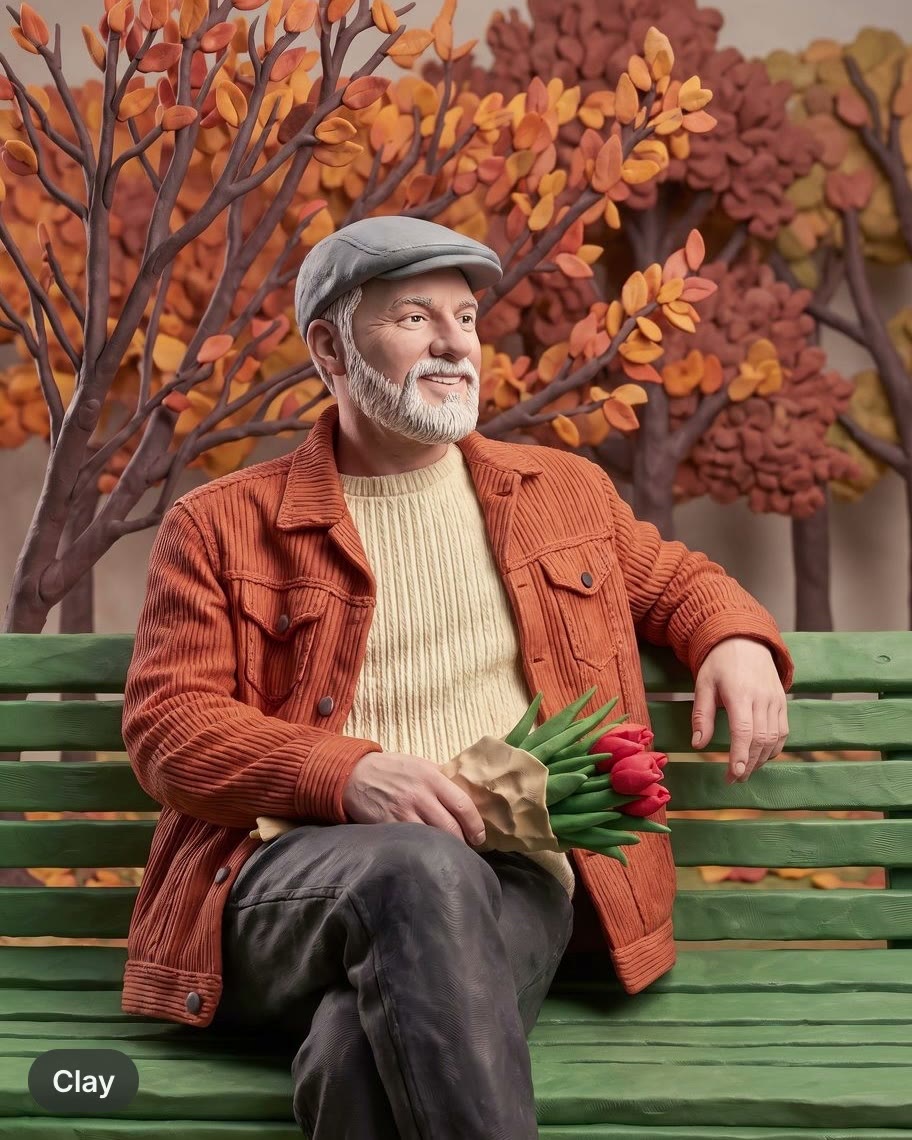
Turn one photo into a new image: the same person or product in a new scene, a new style, or mixed with up to 8 pictures.
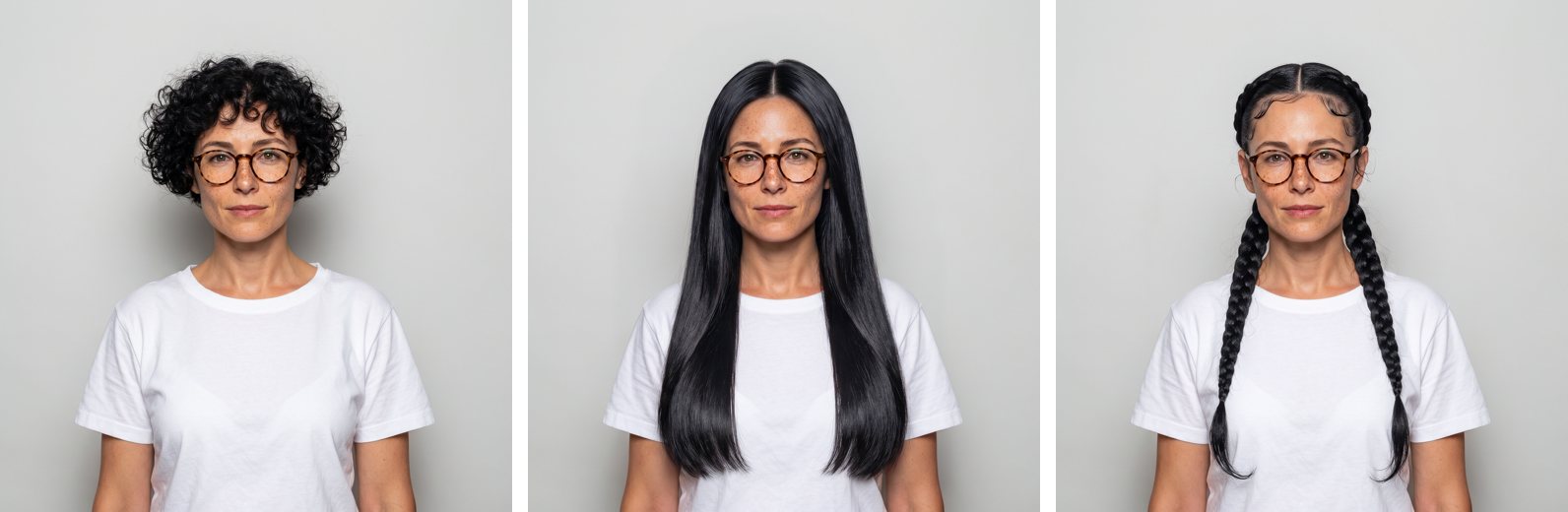
Try a new cut or hair color on your own portrait. Only the hair changes; your face stays the same.
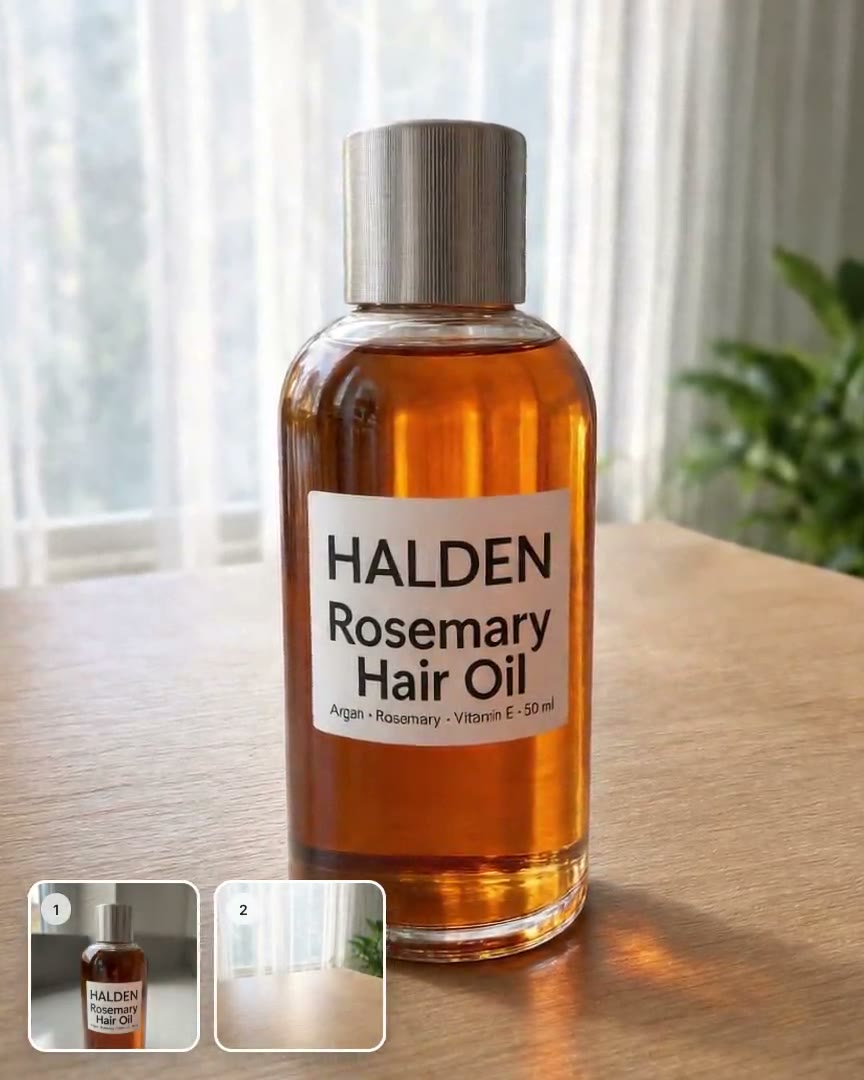
Put a product in a new scene and keep the brand name letter for letter.
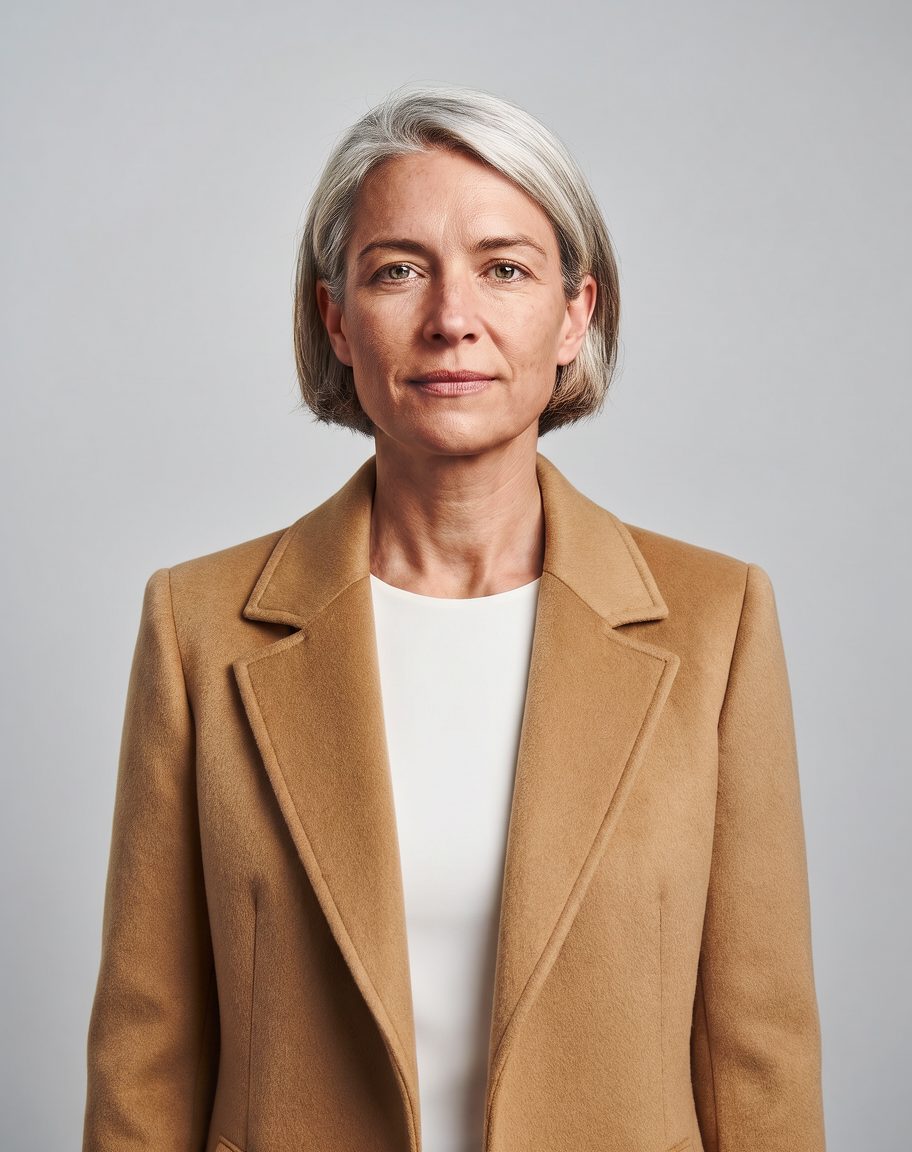
Edit any part of a photo with a prompt and up to 8 reference images.
Speed, consistency and real before-and-after edits with Krea 3.
Credit packs and what each edit costs.
Upload the person, add your garment photo, and see that piece on them with the AI clothes changer. Your first change is covered by 24 starter credits.
Change an outfit