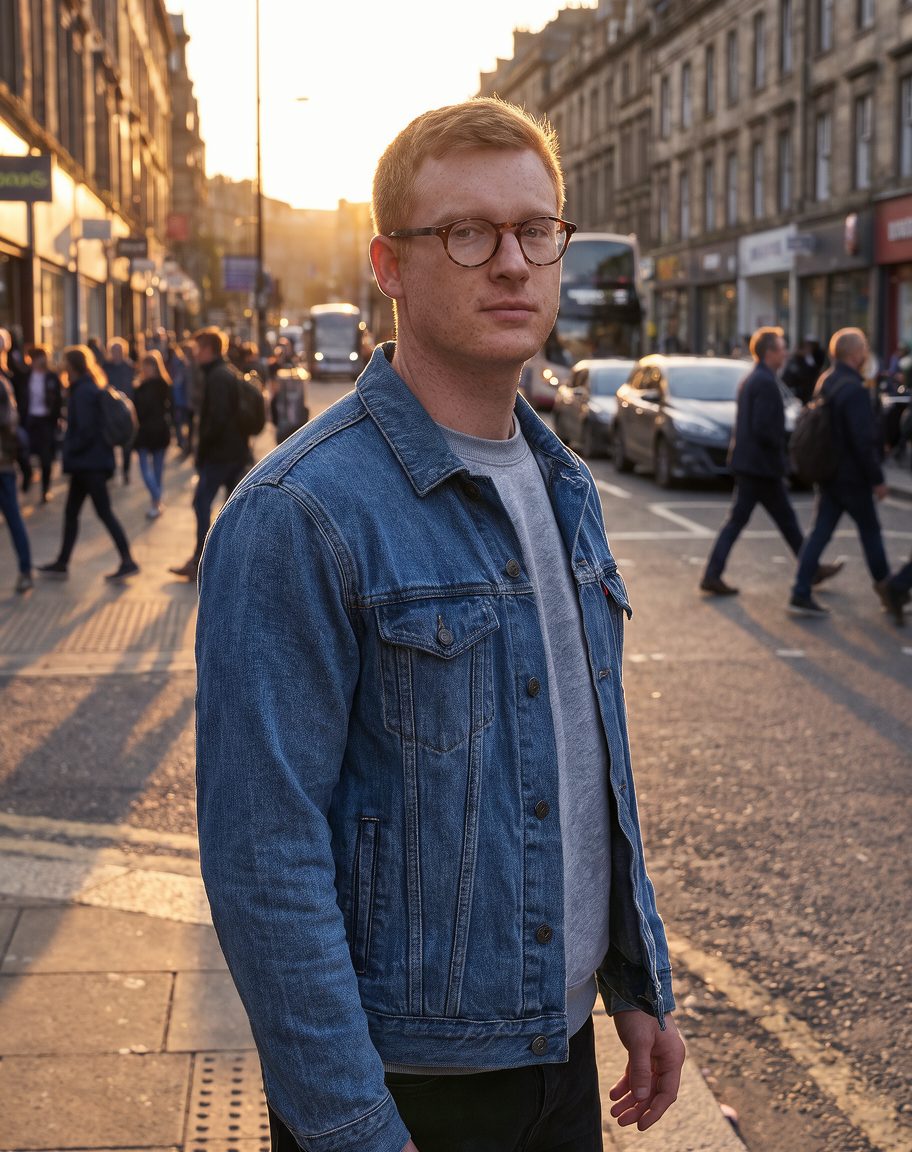
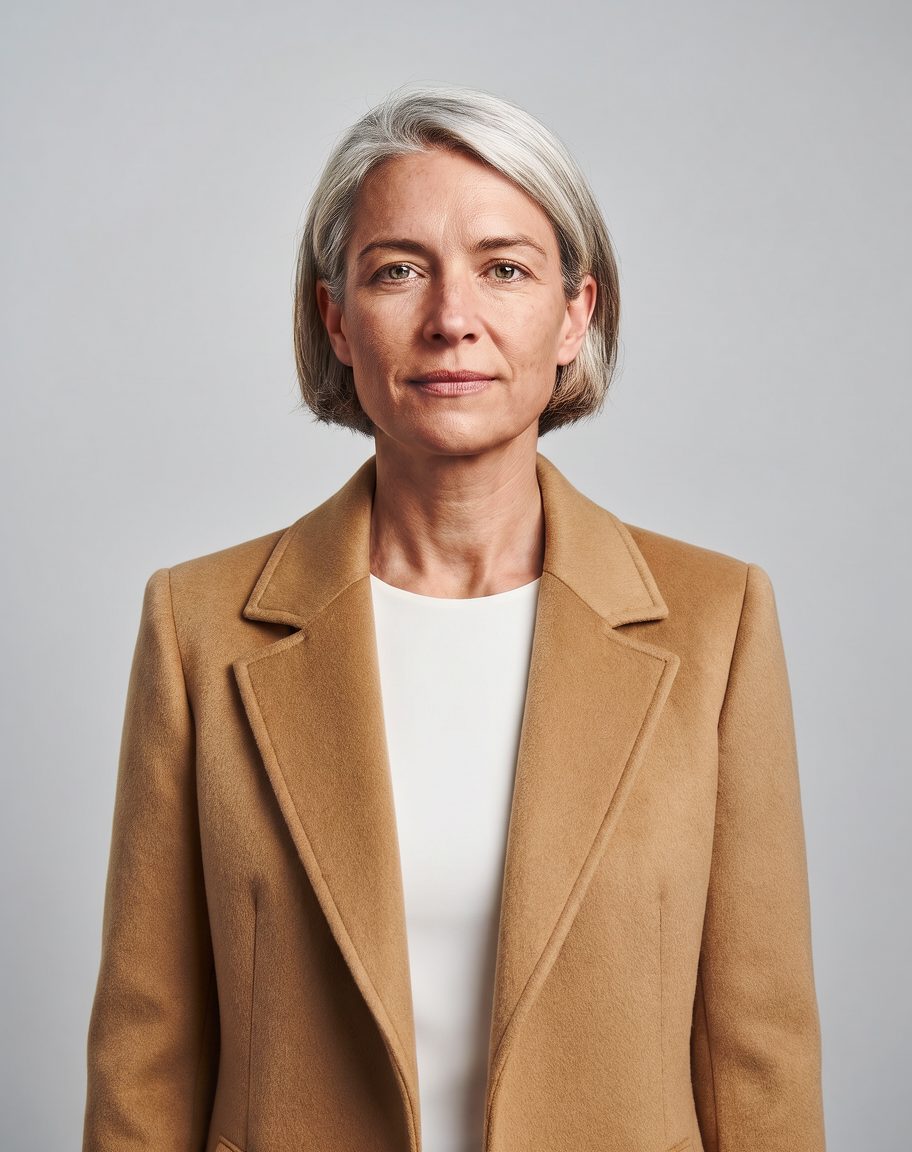
Keep the person from image 1 and place them on a busy city street at golden hour, wearing a denim jacket. Same face, hair and glasses; new background, light and camera angle.
Your picture in, a new picture out. The person or product stays; the scene, the style and everything around it are new.
With AI image to image, the person or product from your photo stays and everything around it is new. Pick a starting point: a new scene, a new style, a mix of pictures, or a few words.
Keep the person from image 1 and place them on a busy city street at golden hour, wearing a denim jacket. Same face, hair and glasses; new background, light and camera angle.
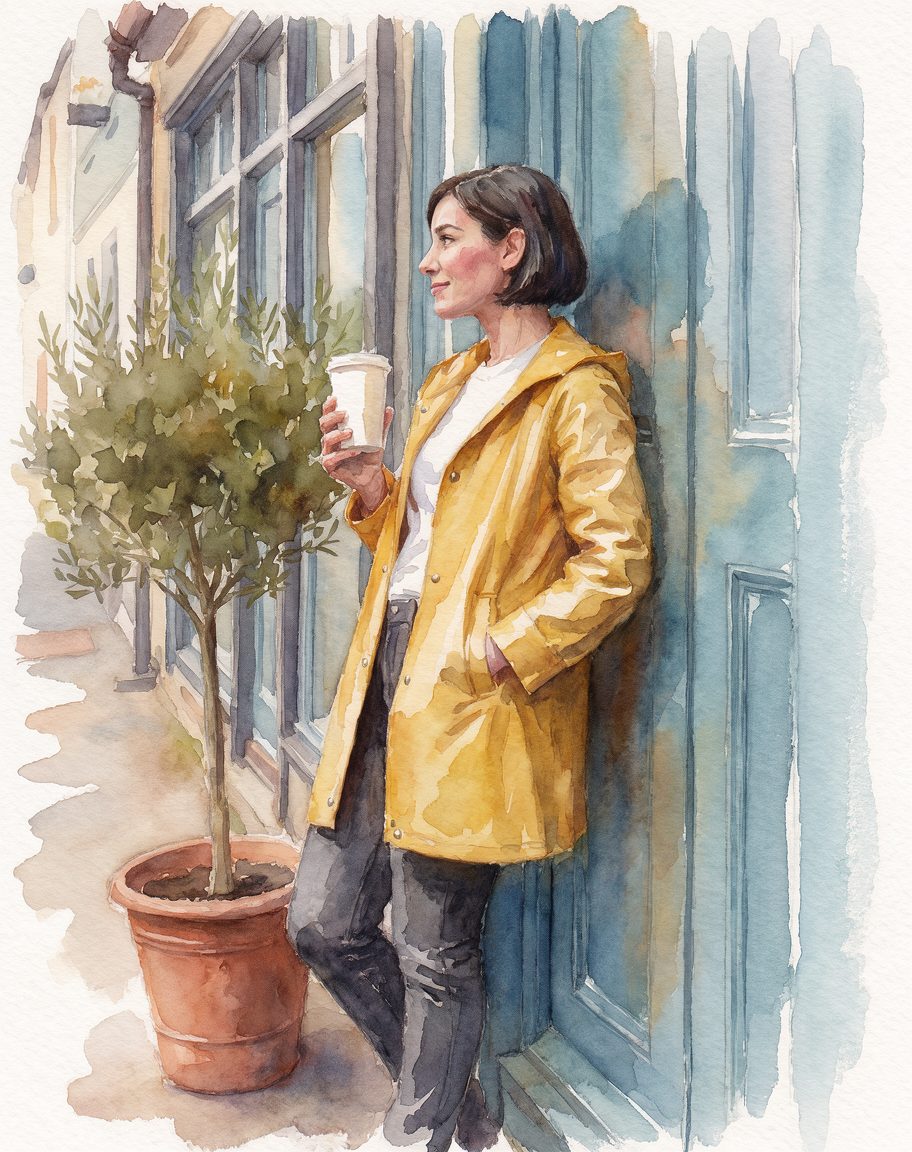
Turn this photo into a soft watercolor painting on textured paper, with loose brushstrokes, gentle color bleeds and visible paper white. Keep the person's pose, the composition and the framing the same.
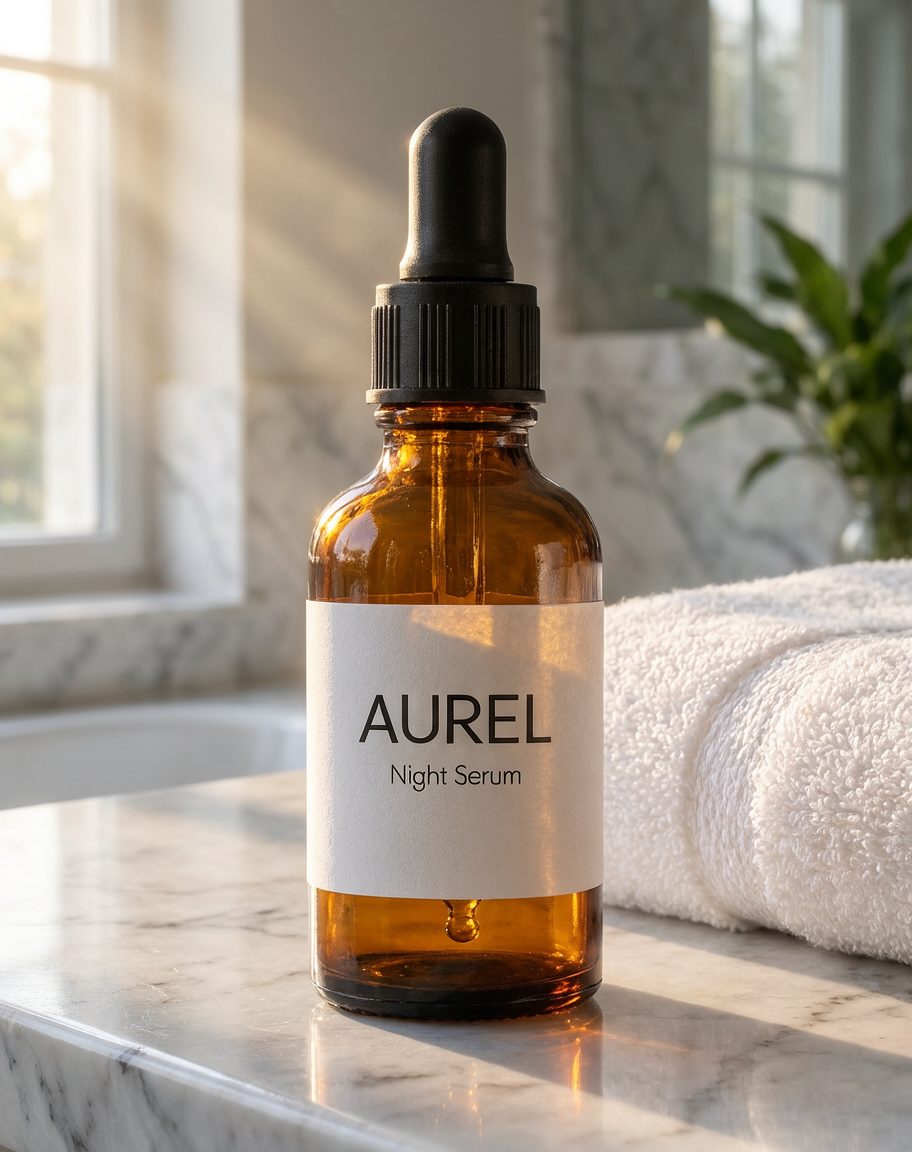
Place the serum bottle from image 1 on a marble bathroom counter next to a folded white towel, soft morning window light. Keep the AUREL label exactly as printed.
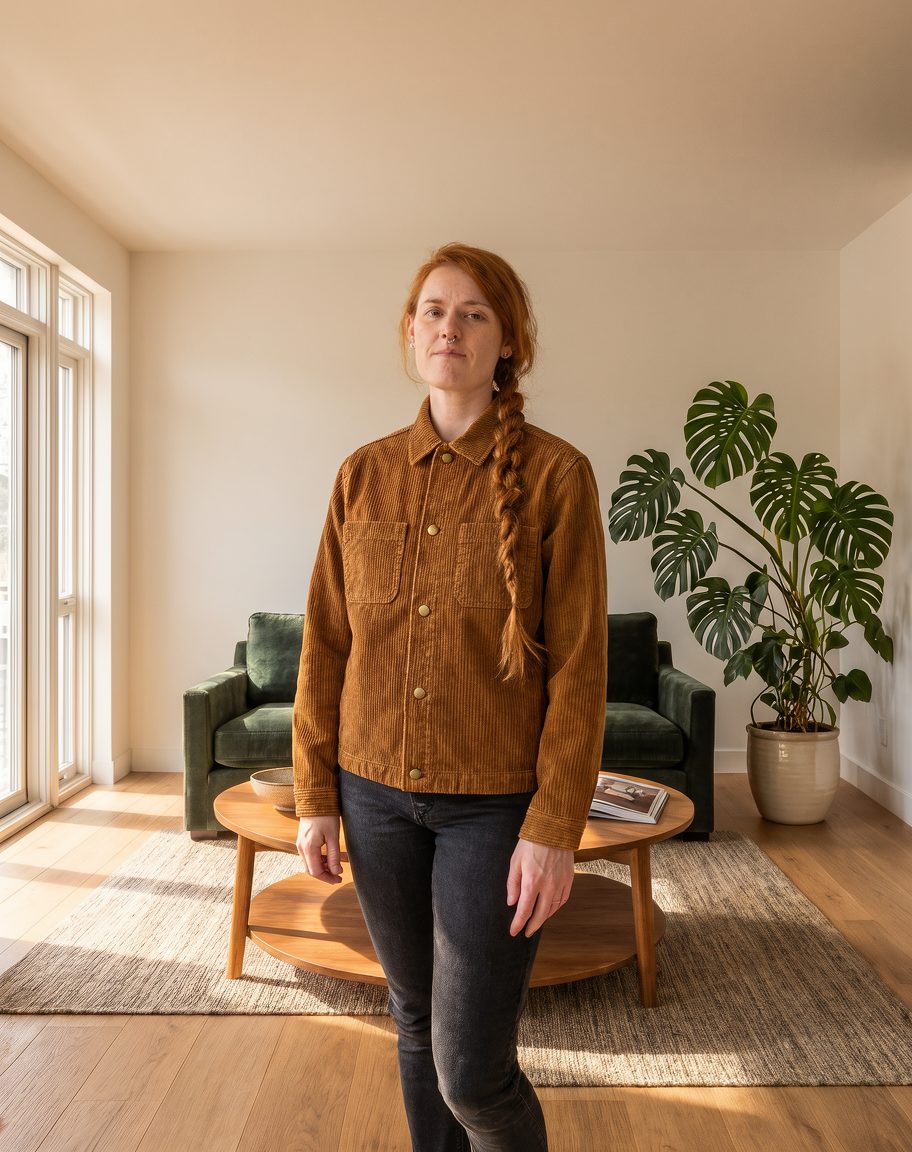
Dress the person from image 1 in the jacket from image 2 and place them in the room from image 3. Keep their face and hair from image 1 and the jacket's color and buttons from image 2.
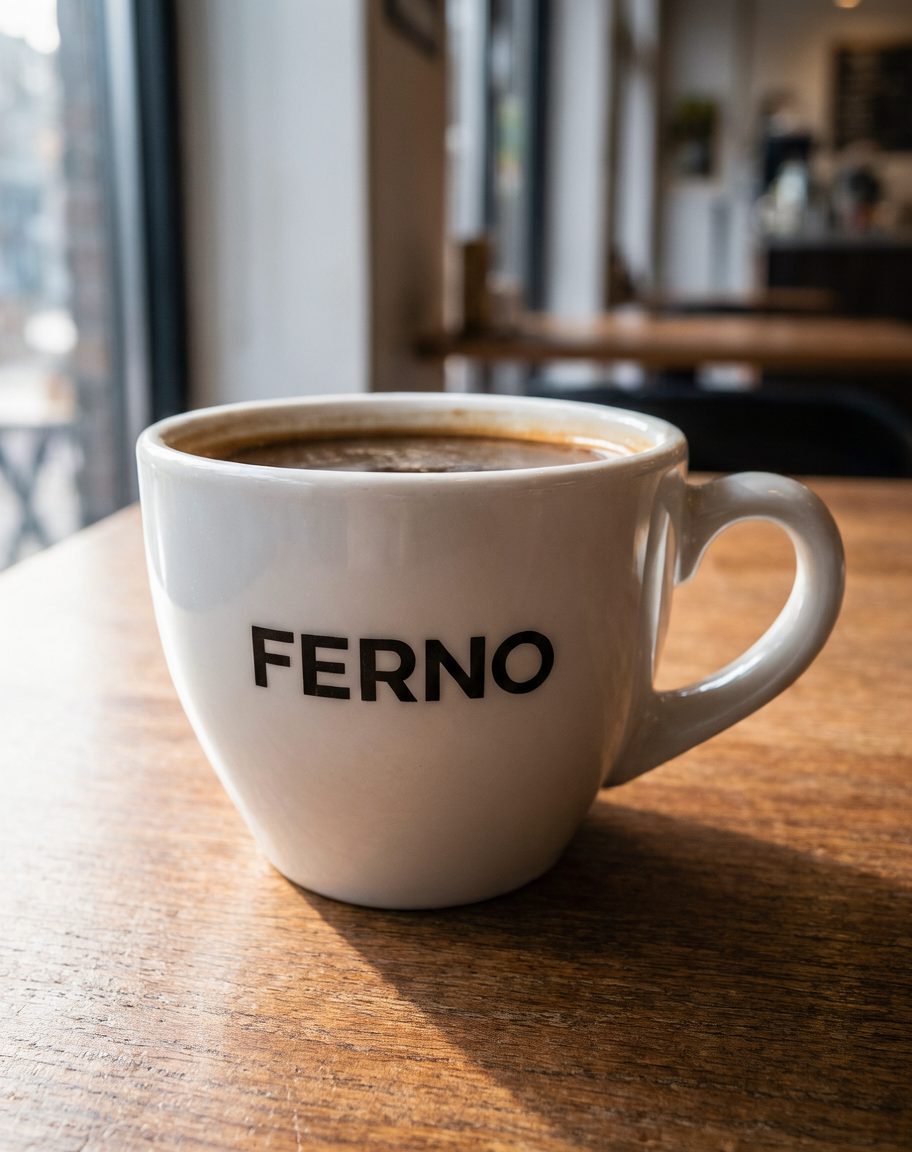
A ceramic coffee mug with the FERNO logo on a wooden café table, soft morning light, shallow depth of field.
Image to image AI creates new pictures that keep your subject: the same person in a new place, the same photo in a new style, up to 8 pictures mixed into one, or a first picture from text. An AI image generator with reference image support needs only one photo or a few and one sentence.
Put the person from your photo on a city street, in a café or in a studio. The face, glasses and freckles come from your photo; the place, the light and the outfit can all be new.
Turn a snapshot into a watercolor, an anime frame or a clay 3D render, and keep the pose and the layout you started with.
Use them like ingredients: a person in Image 1, a jacket in Image 2, a room in Image 3. Say in one line what goes where, and the jacket, the room and the label on the bottle are the ones you gave it.
Leave the picture slots empty to create one from text, then drop the result back in as Image 1 and keep going until it looks right.
From shop owners to illustrators, people use image to image AI when the photo they have is not the picture they need.
With image to image AI, one product photo becomes three new pictures: a bathroom shelf, a picnic table and a holiday window, each with your label on the bottle.
Turn one portrait into a watercolor avatar, an anime banner and a clay figure for each platform, and every version is still you.
Use image to image AI to turn a family snapshot into a watercolor print or a cartoon card that still looks like the people in it.
To generate an image from an image online, add your pictures to the image to image AI, write one line about the new image, and download the result.
Open the image to image AI and drop in the photo of the person or product you want to keep as Image 1. Add more reference images, up to 8, for a garment, a room or a style you want to bring in. No picture? Skip this step and the box works as text to image.
Write the scene, the style or the mix in plain words, for example "Place the person from image 1 on a rainy street at night."
Check the credit cost on the button and generate. Download the picture. Every result is saved to your History.
Creators pick this AI image to image tool because it keeps the person or product from their photo and builds a new scene, style or mix around it. Most image to image generator pages only turn one photo into a filter.
Ask for "a woman in a yellow raincoat in a café" and you get a stranger. Give this image to image AI her photo and the new picture is her, same face and hair included.
Combining a person, a jacket and a room used to mean masks, layers and an afternoon of matching light. Name what comes from which picture and the image to image AI puts them in one frame.
Style filters smear the pose and lose the person. Here the watercolor or clay version keeps the lean, the hands and the layout of your original.
Compared with Pollo AI and Higgsfield, Try Krea 3's image to image AI runs the Krea 3 model, gives every picture its own role (Image 1, Image 2 …) and sells one-time credit packs instead of a subscription. All three keep the person or product from your photo and start from text in the same box, so pick the best image to image AI for your own people and products by the model you want and how you want to pay.
AI image to image lands on the picture you have in mind when the prompt gives every picture a job, names what must stay and describes the style like a medium.
"The person from image 1, the jacket from image 2, the room from image 3" tells the image to image AI exactly where each piece goes.
Add "same face, hair and glasses" or "keep the [BRAND] label exactly as printed" and those details carry into the new picture.
"Soft watercolor on textured paper with visible paper white" or "smooth matte modeling clay with studio light" gives a stronger style than "make it artistic".
A sharp photo with the face or label easy to see gives the image to image AI the most to work with.
Get the scene right first, then feed the result back to the image to image AI as Image 1 and change the outfit or the light in the next round.
The questions people ask most about this image to image generator cover credits, how many pictures, text to image, file formats and commercial use.
Make a new imageImage to image AI, also called an image to image generator, takes one or more pictures plus a short prompt and creates a new image from them. Here it keeps the person or product from your photo and builds a new scene, a new style or a mix of pictures around it.
Image to image starts from your pictures, so the new image shows the person or product you gave it; text to image starts from words only, so the AI invents them. On this page you get both: leave the picture slots empty and the same box works as text to image.
Yes, image to image AI turns a photo into another art style: add the photo as Image 1 and name the style, such as "a soft watercolor painting on textured paper", "an anime film frame" or "a clay 3D render". Add "keep the pose, the composition and the framing the same" and the image to image AI keeps the person and the layout from your photo.
You can use up to 8 pictures in one image, and adding pictures does not change the price.
New accounts get 24 starter credits, enough for one 1K image. After that you buy one-time credit packs.
One image costs 20 credits at 1K or 26 at 2K, plus 4 with High reasoning. Pictures you add are included. Packs are 2,000 credits for $29, 4,600 for $59 and 9,000 for $99, one-time, no subscription.
Image to image AI gives you a new picture with a new composition built around the person or product from your photo, while editing changes one thing in your photo and leaves the rest where it was. For one-spot edits, use the Krea 3 AI image editor on our homepage.
Yes, you can use what you create with this image to image AI in store listings, ads, client work and social posts. You need the rights to the pictures you upload, and a result does not give you rights to third-party logos or people in it.
You can upload PNG, JPEG and WebP files. Large phone photos are shrunk in your browser before upload, so you can add them as they are.
If a generation fails for a confirmed technical reason, the credits go back to your balance.
Try Krea 3 runs Krea's Krea 3 image model, but it is an independent service, not affiliated with Krea. The official Krea site is krea.ai.
The AI clothes changer, background changer and hairstyle changer each make one focused change to your photo, where image to image AI makes a whole new image.
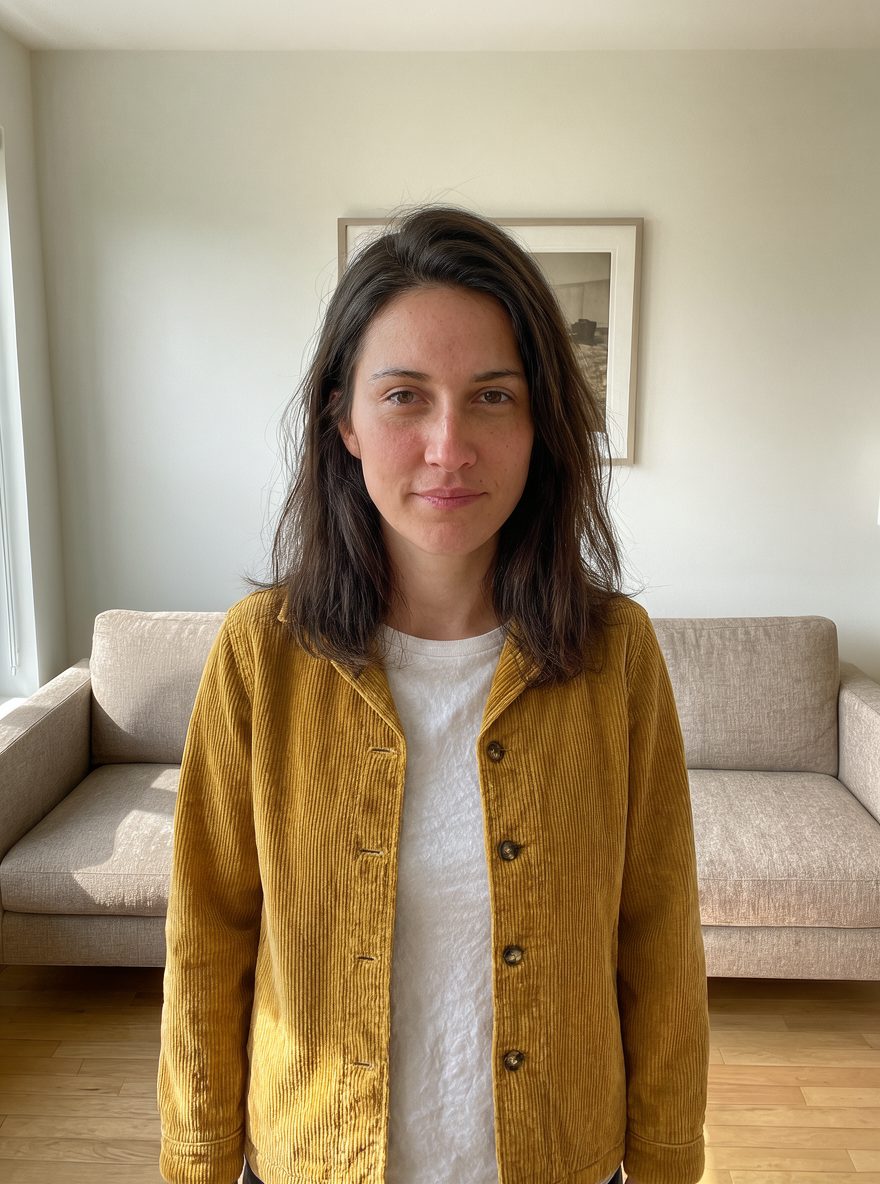
Put your garment photo on a model and keep their face and hair the same.
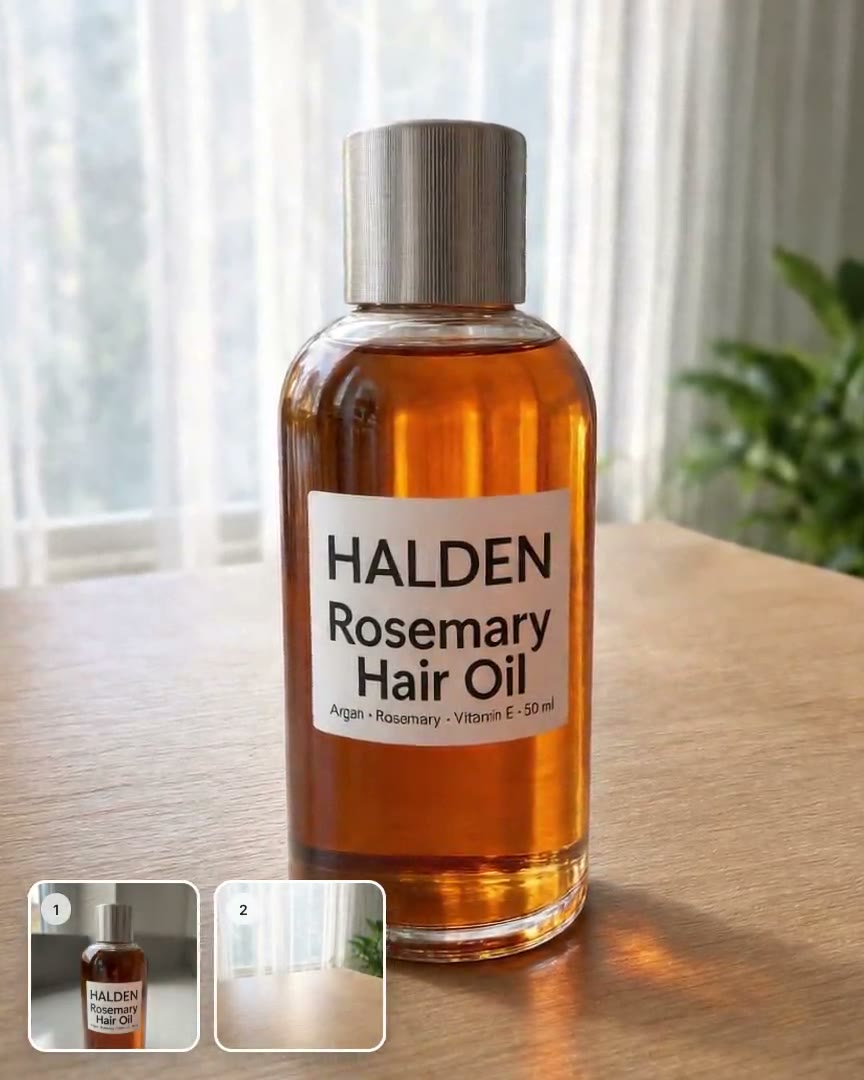
Put a product in a new scene and keep the brand name letter for letter.
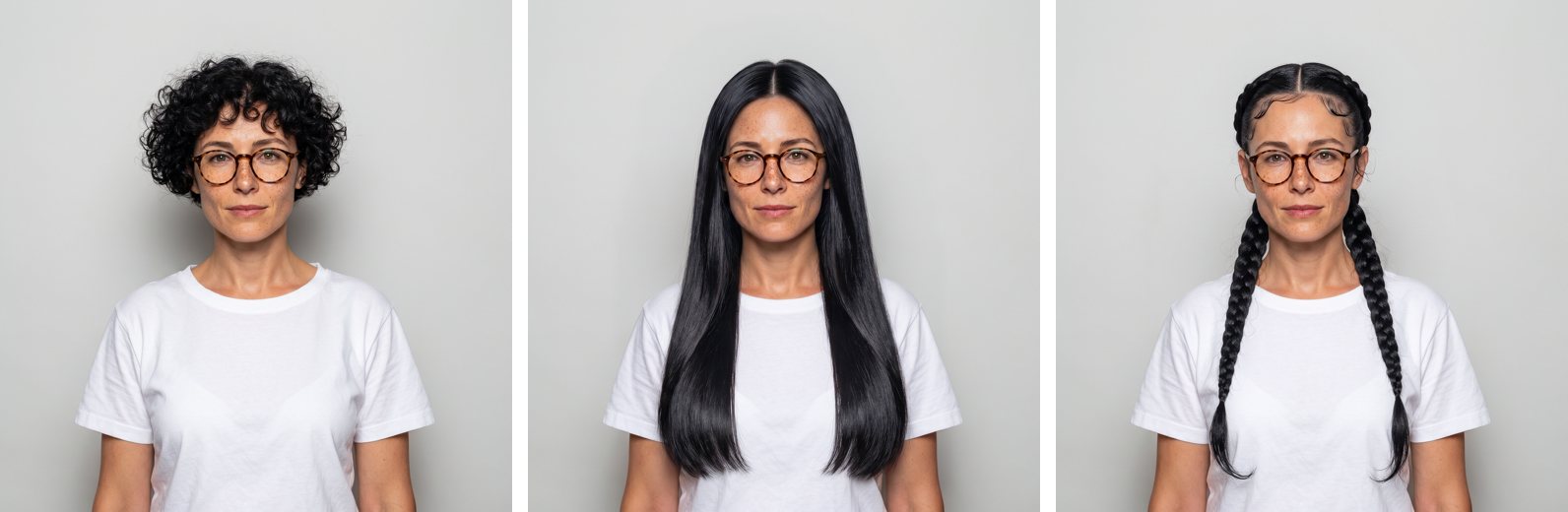
Try a new cut or hair color on your own portrait. Only the hair changes; your face stays the same.
Edit any part of a photo with a prompt and up to 8 reference images.
Credit packs and what each edit costs.
Add your photo to the image to image AI, say what it should become, and get a new picture with your person or product in it. Your first image is covered by 24 starter credits.
Make a new image